


ai marketing operating system
Replace Disconnected Tools with cmo.so: The Unified AI Marketing OS
Streamline your fragmented toolkit with cmo.so by unifying SEO research, multi-platform publishing, and performance tracking in one operating system.
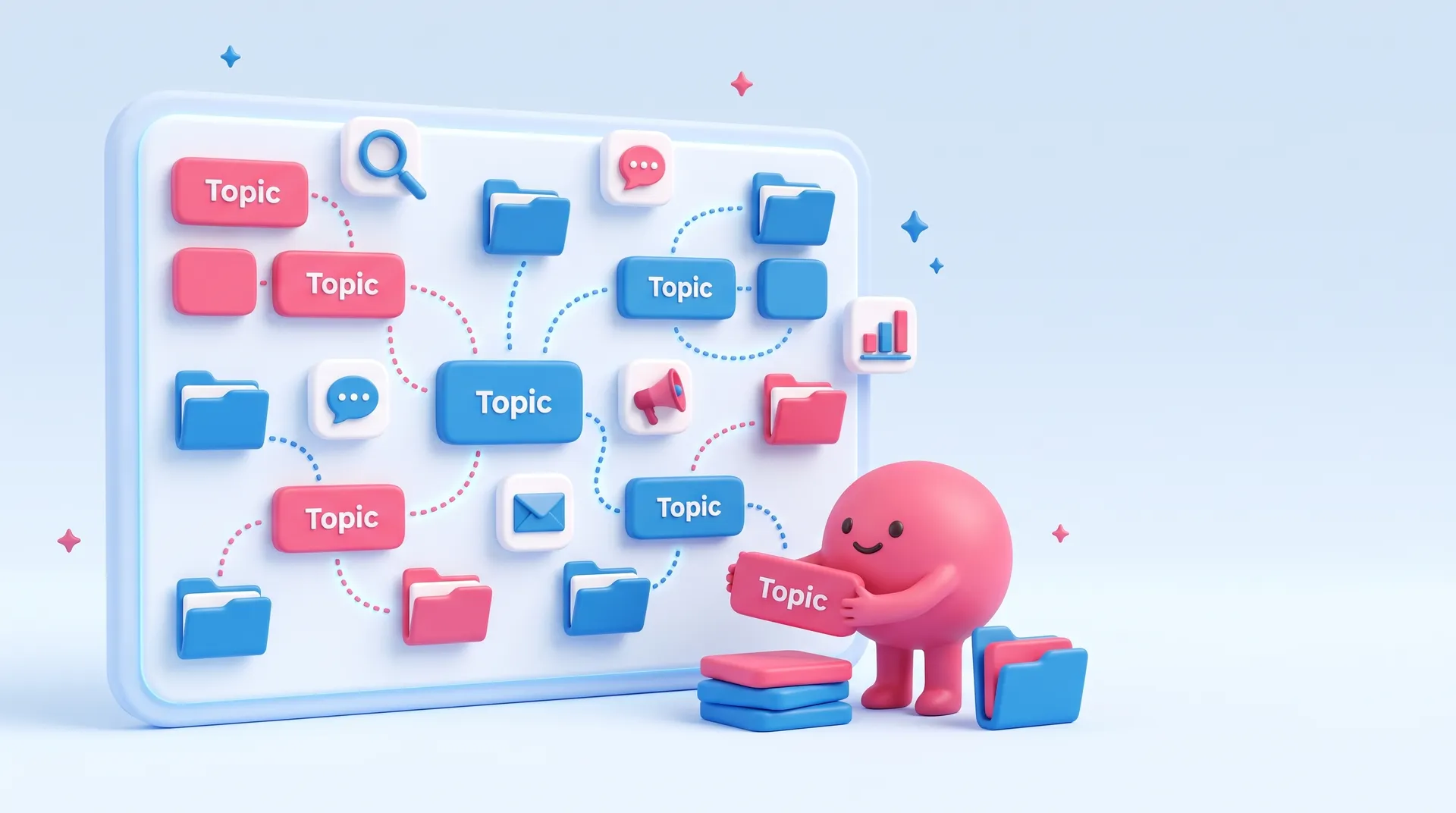
Everything Maggie has written on tech stack, newest first. Free to read.
Streamline your fragmented toolkit with cmo.so by unifying SEO research, multi-platform publishing, and performance tracking in one operating system.
Small business owners often find themselves drowning in a sea of disconnected subscriptions. You start with a website, then add an email tool, a social media scheduler, and perhaps an SEO plugin. Before long, you are managing ten different logins and paying monthly fees for features you barely use. A tech stack is simply the collection of software you use to run your business, but for many, it has become a source of friction rather than a driver of growth. The goal is to move from a fragmented mess to a streamlined system that actually saves you time.
The biggest mistake is choosing tools based on hype rather than integration. When your SEO tool does not talk to your blog editor, and your social media platform is isolated from your analytics, you end up doing manual data entry that drains your energy. You should prioritise tools that consolidate functions. This is where cmo.so, the AI Marketing OS, provides value by unifying research, planning, and publishing into a single workflow. By reducing the number of moving parts, you minimise the risk of technical errors and ensure your marketing strategy remains consistent across every digital channel.
Cost management is another critical factor when auditing your technology. It is easy to ignore a small monthly subscription, but these costs compound quickly. Periodically review your stack to identify overlaps. If two tools offer similar features, pick the one that integrates best with your existing workflow and cancel the other. Remember that the most expensive tool is the one you do not use. A lean, efficient stack allows you to focus on high-level strategy and customer engagement rather than troubleshooting software conflicts or managing complex connections between incompatible platforms.
Future-proofing your business means selecting software that scales with you without becoming overly complex. Look for platforms that offer flexibility, such as those that connect via API or support major website builders like WordPress and Shopify. Your tech stack should empower you to automate repetitive tasks like image generation and post scheduling. When your tools work in harmony, you spend less time acting as a technical administrator and more time as a business owner. A well-chosen stack creates a foundation for sustainable growth, allowing you to reach more customers with significantly less manual effort.
What people ask most when they look into tech stack, answered plainly.
A marketing tech stack is the group of technologies that marketers use to execute, analyse, and improve their marketing activities throughout the customer lifecycle. For a small business, this usually includes your website platform, email marketing software, social media management tools, and any analytics or SEO software you use to track performance.
The primary purpose of having a defined stack is to ensure that data flows smoothly between different departments and functions. When your tools are properly aligned, you can see exactly how a social media post leads to a website visit and eventually a sale. This clarity helps you make better decisions about where to spend your budget.
There is no magic number, but for most small businesses, fewer is usually better. You should aim for the minimum number of tools required to achieve your goals effectively. Having too many tools leads to subscription creep and data silos where information is trapped in one platform and cannot be used by another.
Focus on functionality rather than quantity. If one platform can handle your SEO research, content creation, and publishing, it is far more valuable than three separate specialised tools. The goal is to reduce the cognitive load of switching between different interfaces and managing multiple sets of login credentials every day.
Every small business needs a core foundation consisting of a content management system for their website, a way to capture and manage customer data, and a method for distributing content. This usually means having a reliable website builder, a basic database or CRM, and tools for social media and email outreach.
Beyond these basics, you might add tools for search engine optimisation, graphic design, and data analytics. Using cmo.so can simplify this by handling the research, writing, and publishing phases within one environment. This ensures that your essential components are not just present, but are actively working together to grow your brand.
You will know your stack is too complex if you spend more time managing the software than actually doing marketing. If you find yourself manually copying and pasting data from one tool to another, or if you are paying for features that no one on your team knows how to use, it is time to simplify.
Another sign of over-complexity is when a simple change, like updating a logo, requires you to log into five different platforms to ensure consistency. A healthy tech stack should feel invisible. It should support your daily tasks and automate the boring parts of your job without requiring constant maintenance or technical troubleshooting.
All-in-one tools are generally better for small businesses because they offer a single source of truth and lower total costs. They reduce the need for complex integrations and provide a consistent user experience. This allows you to master one interface rather than learning the quirks of several different software packages.
Best-of-breed tools are often designed for large enterprises with dedicated specialists for every role. For a small business owner who wears many hats, the simplicity of a unified operating system is almost always more productive. It allows you to maintain a holistic view of your marketing strategy without getting bogged down in technical details.
Start by listing every software subscription you currently pay for and identifying any overlapping features. Many modern platforms have expanded their capabilities, meaning you might be paying for a standalone tool that your main platform now includes for free. Cancel anything that has not been used in the last thirty days.
Consider switching to annual billing for the tools you truly need, as this often provides a significant discount. Additionally, look for unified platforms that replace multiple niche subscriptions. Consolidating your tools not only saves money on the subscriptions themselves but also reduces the hidden costs of training and administrative time.
In general business terms, the front-end refers to everything the customer sees, such as your website design, social media posts, and email newsletters. The back-end consists of the systems that power those experiences, like your database, hosting provider, and the automation workflows that trigger certain actions.
For your marketing stack, the distinction is important because you need your back-end data to inform your front-end content. For example, your SEO research should directly influence the blogs you publish. A well-integrated stack ensures that the technical back-end work seamlessly translates into a professional and engaging front-end experience for your audience.
Integration is usually achieved through built-in connectors, third-party automation tools, or APIs. Many modern software applications offer native integrations, meaning they are designed to talk to other popular tools with just a few clicks. This is the easiest way to ensure your data stays synchronised across your entire business.
If native integrations are not available, you might use an API to send information between systems. For example, Maggie can publish content directly to various platforms via API, ensuring your marketing reaches your audience wherever they are. Choosing tools with strong connectivity options is essential for building a stack that can grow alongside your business.
Yes, your website builder is the heart of your marketing tech stack. Some builders are very closed and make it difficult to connect external marketing tools, while others like WordPress, Shopify, and Wix are designed to be highly extensible. Your choice of builder determines how easily you can automate your content publishing.
When selecting a website platform, consider how well it plays with others. You want a site that can easily receive updates from your marketing tools and send data to your analytics platforms. If your website builder is too restrictive, it will become a bottleneck that prevents you from using more advanced automation and AI tools.
You should perform a quick review of your tech stack every quarter and a deep audit once a year. The digital landscape changes rapidly, and new tools emerge that might be more efficient or cost-effective than what you are currently using. A regular check-up helps you avoid paying for ghost subscriptions.
During an audit, ask yourself if each tool is still helping you reach your business goals. If a tool is causing more frustration than it is worth, or if your team is finding workarounds to avoid using it, then it is time to look for a better alternative. Staying lean ensures your business remains agile and responsive.
Enter your website. Maggie plans, writes and publishes your blog in your voice, and you approve every post.
Hi, I'm Maggie. Ask me anything about cmo.so: what I do, prices, which websites and channels I work with, or how to get started.
AI answers can be wrong.
They'll reply to by email.
Cookies on cmo.so. May we use analytics cookies to see which pages help people? No ads, ever.Privacy policy