


Connect Search Console to cmo.so
See what your articles bring in from Google: clicks, times shown, position and the searches behind each post. Maggie uses it to choose which articles to rewrite.
Free to start · No credit card · You approve every post
Connect Search Console
Find the Search Console card
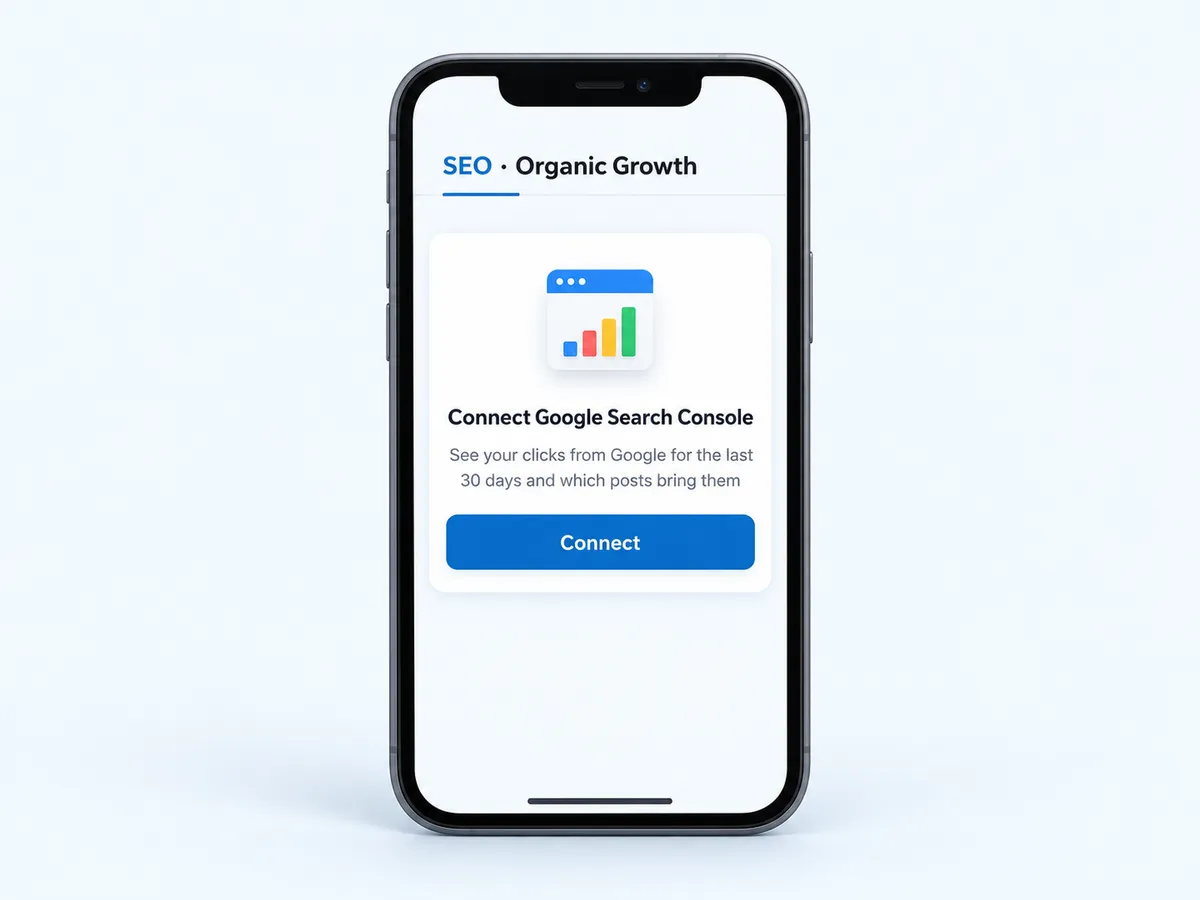
In the cmo.so app, open Home → Performance → SEO · Organic Growth, or Me → Reports → Search. Tap Connect on Connect Google Search Console.
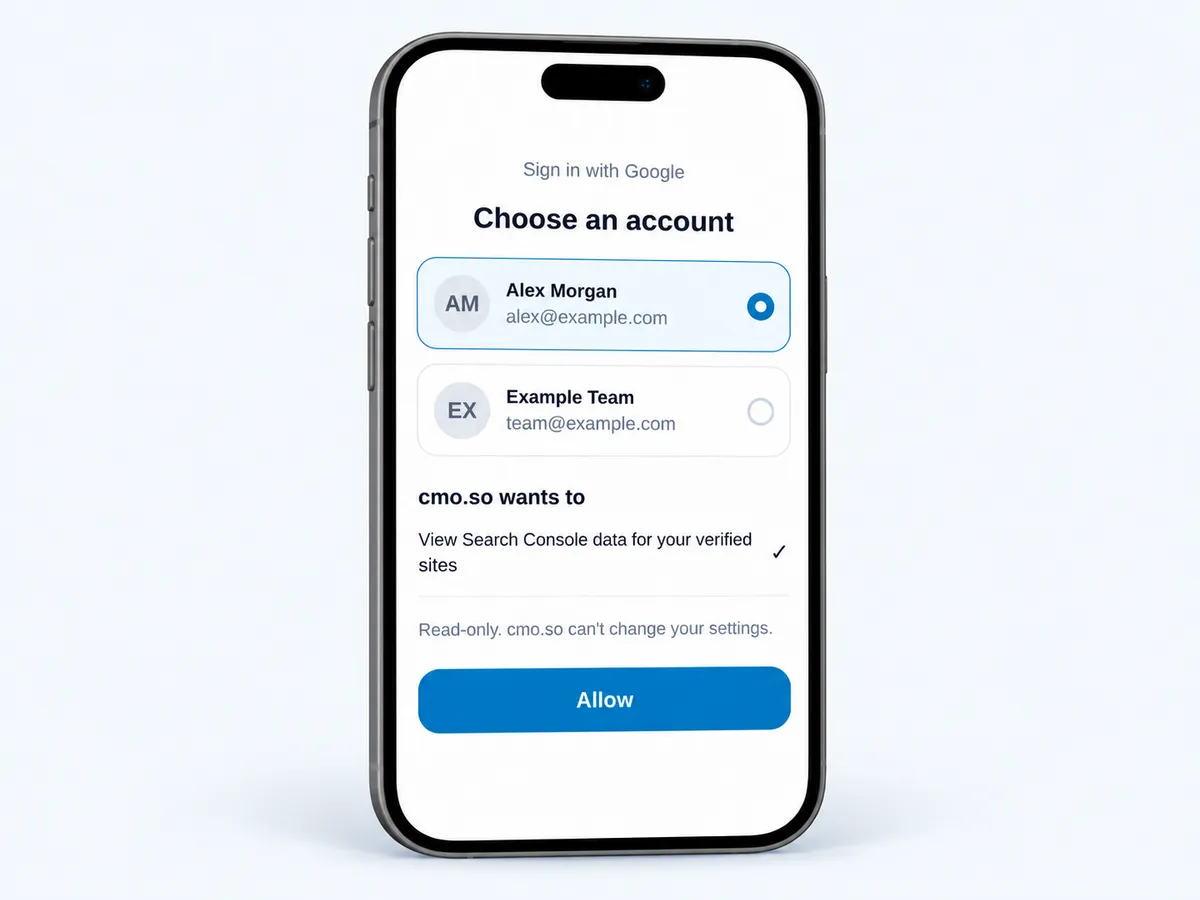
Sign in with the right Google account
Use a Google account that can see your site in Search Console (a domain or URL property, verified). Access is read-only.
Tip Wrong account? The app says which account can't see your site and how to add it in Search Console under Settings → Users and permissions.
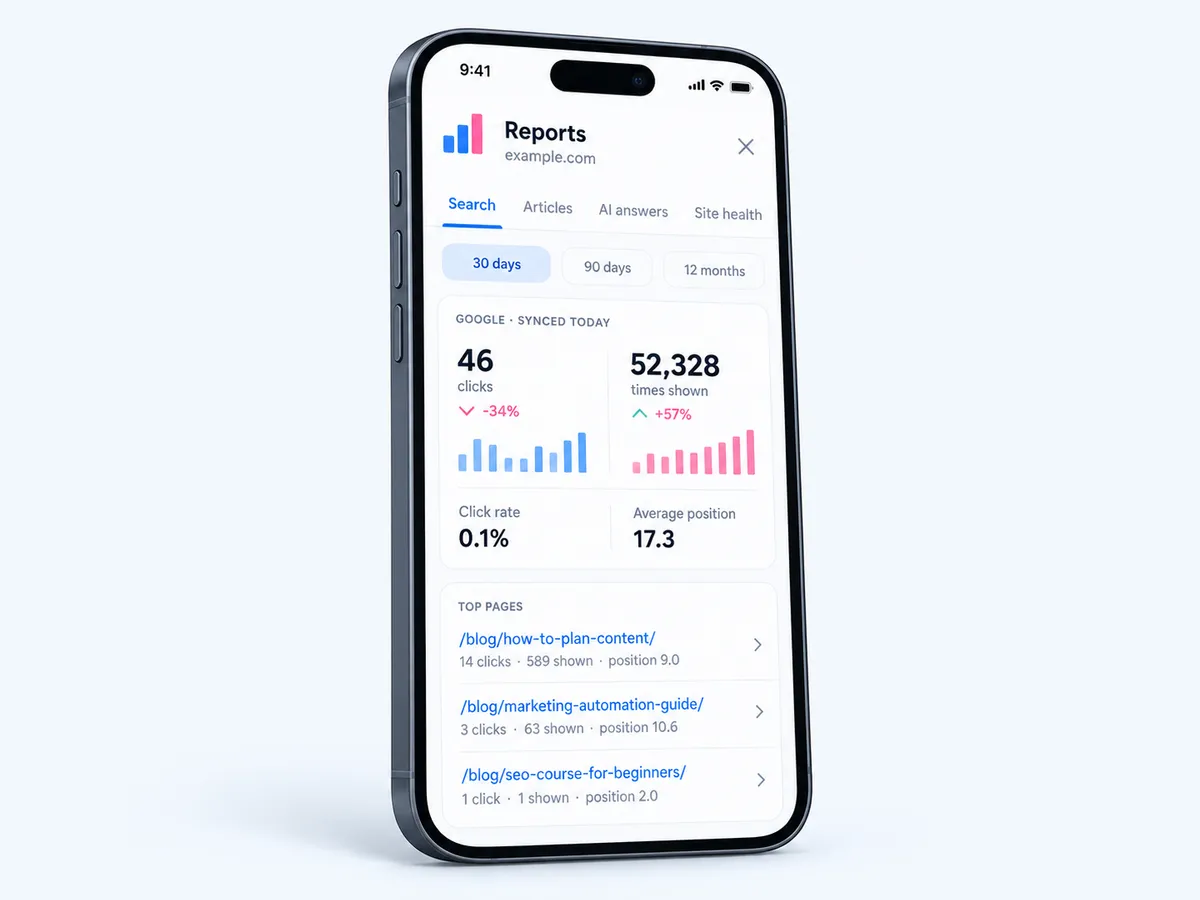
Read your search numbers
Reports → Search shows clicks, times shown, click rate and average position against the period before, and your top pages, for 30 days, 90 days or 12 months.
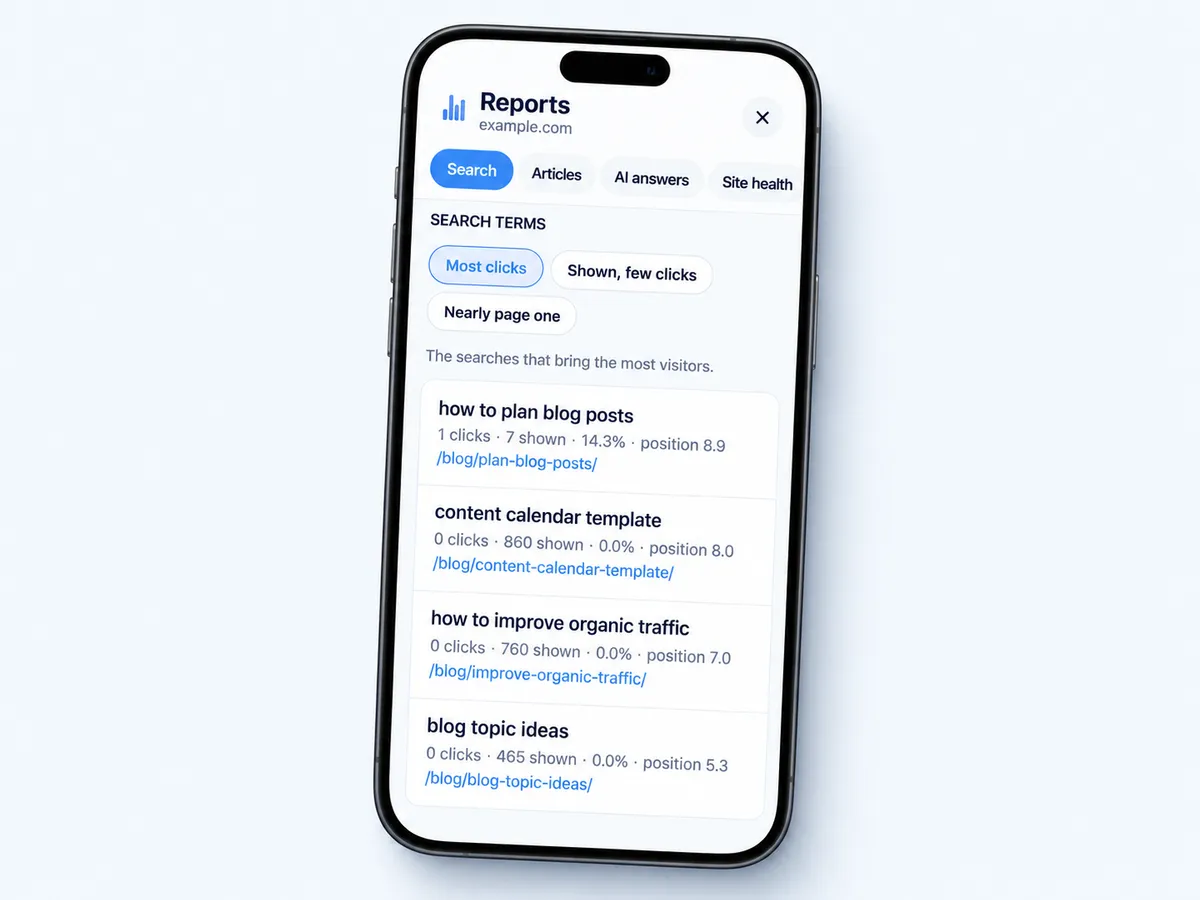
See the searches behind each post
Search terms has three views: Most clicks, Shown, few clicks and Nearly page one. Each shows clicks, times shown, click rate, position and the page.
Let Maggie act on it
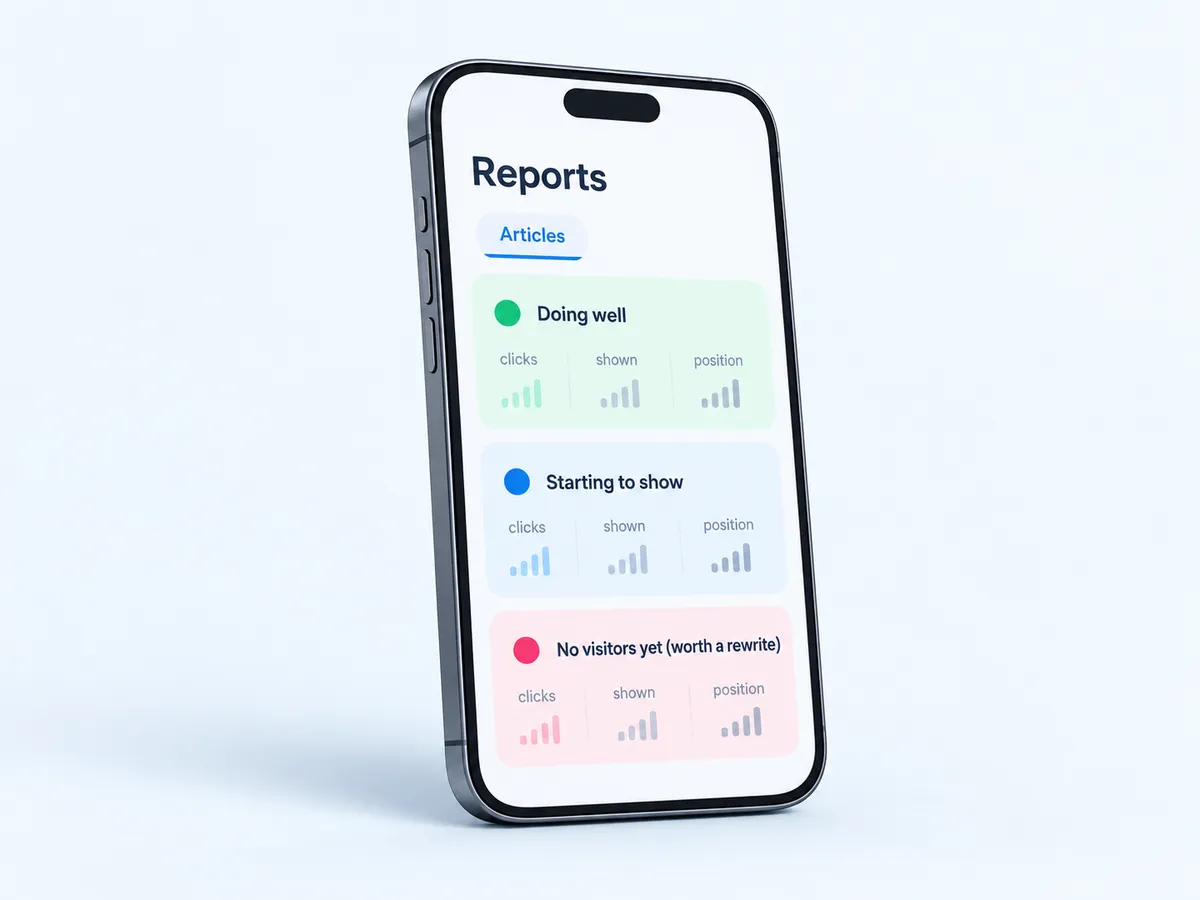
Reports → Articles marks each article Doing well, Starting to show or No visitors yet (worth a rewrite). Rewrites use each page's own search terms.
What you need
- Your site in Search ConsoleA verified domain or URL-prefix property.
- A Google account that can see itOwner or a user added under Settings → Users and permissions.
- Your website added to cmo.soSearch numbers are matched to your articles.
Used by 600+ users and trusted by teams at
aeglesriphal.com
moonlakespa.com
shop.theteagroup.com
clo100.com
logtrics.io
mymorez.com
nextidal.com
otisapp.com
storaitelling.com
theheatpumps.co.uk
web-translations.com
exposeai.tech
orielipo.com
whitelabelcrowd.fund
elliptic.co
med.moonlakespa.com
netdex.co.il
orawellness.uk
reenest.com
syngage.ai
thepenthouseliving.com
zengolf.studio
imaintain.uk
rebuildingsociety.com
aurasocial.world
goaimex.com
moneyparents.com
newgenrenewables.uk
osmosisai.co
saunders.ac
teeza.app
thursdayclub.com
Know which articles work
Clicks per article
Which posts bring visitors from Google, and how many.
The searches behind them
Most clicks, shown but rarely clicked, and nearly on page one.
Rewrites with a reason
Maggie rewrites articles with no visitors yet, aimed at their own search terms.
On your Home tab
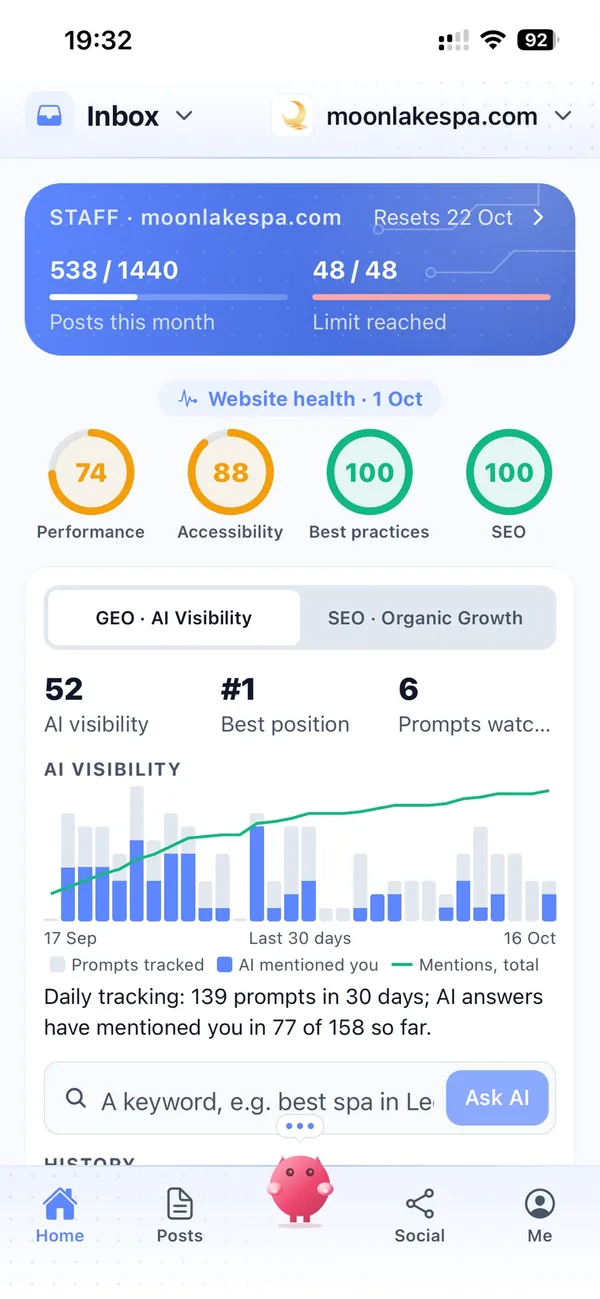
Clicks, impressions and position for the last 30 days, with top posts.
Your marketing team, in your pocket
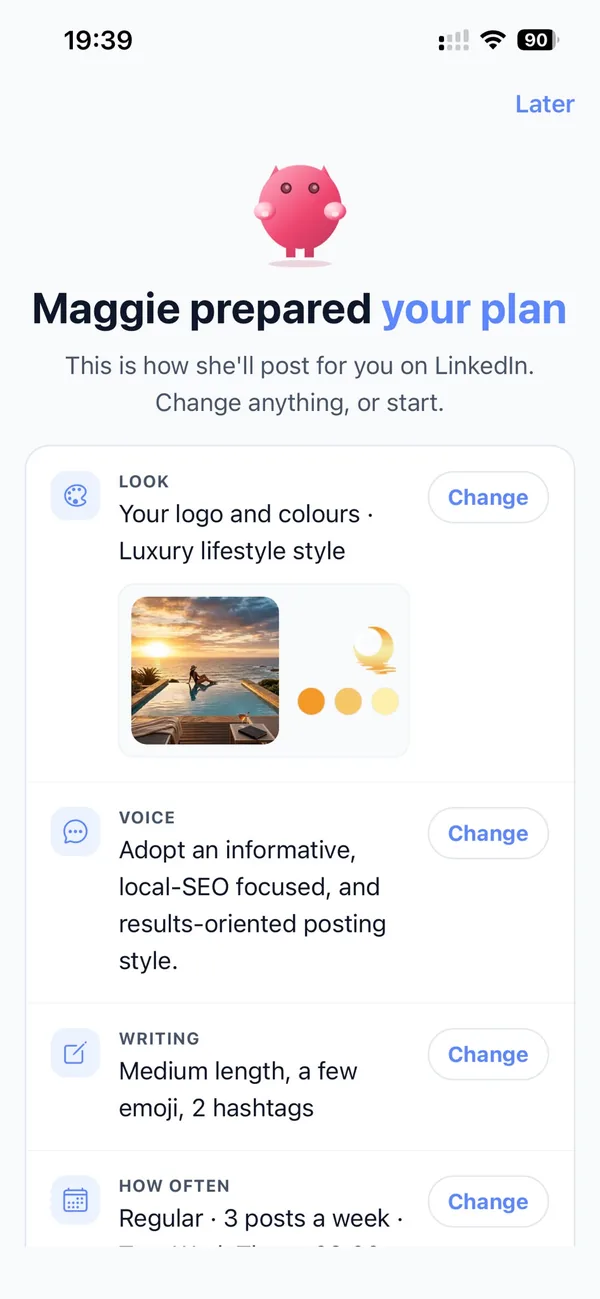
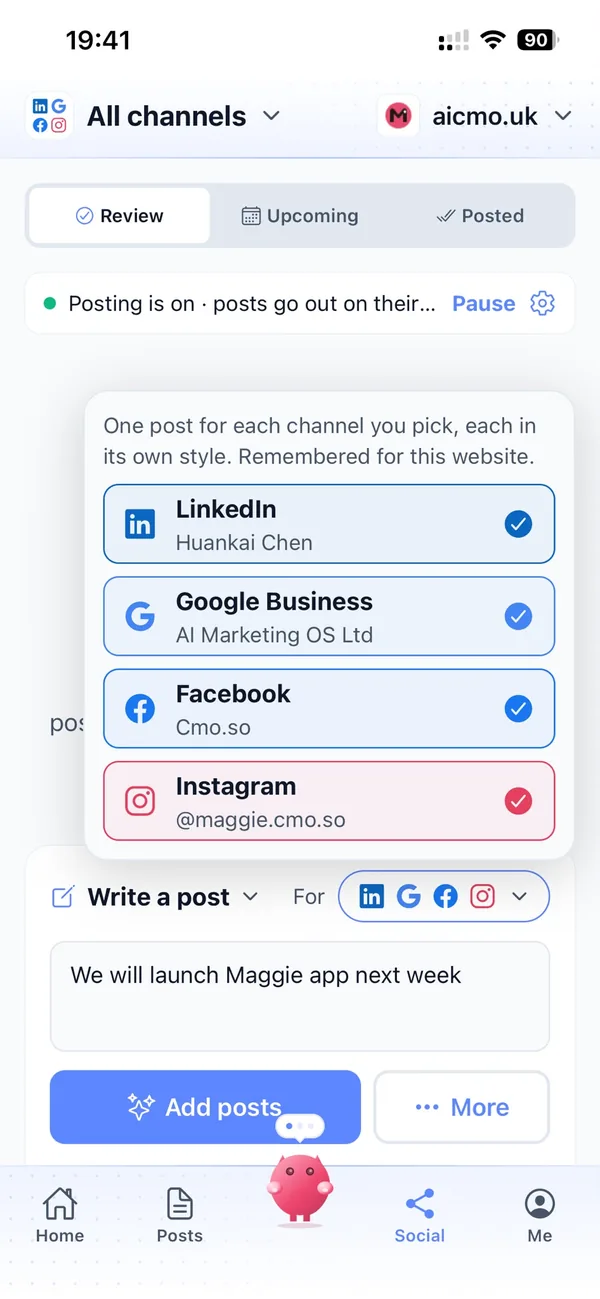
Real screens from the cmo.so app on iPhone.

A month with Search Console connected
A few days after an article goes out, Google starts to show it. Reports → Articles moves it from No data yet to Starting to show.
You check Nearly page one and see three searches close to the top. Maggie rewrites those articles to answer them better, and next month they're Doing well.
Things to know about Search Console
Numbers take a few days
Google's figures appear a few days after an article goes out.
The right Google account
The account must see your site's property; if not, the app says how to add it.
Sync now, once an hour
Data refreshes daily when you look; Sync now works at most once an hour.
Read-only
cmo.so only reads Search Console data; it can't change your settings.
Search Console and cmo.so
- How it connects
- Sign in with Google (read-only Search Console access)
- Where to see it
- Home → Performance → SEO; Me → Reports → Search and Articles
- Numbers
- Clicks, times shown, click rate, average position, top pages
- Search terms
- Most clicks; Shown, few clicks; Nearly page one
- Periods
- 30 days, 90 days, 12 months
- Refresh
- Daily when viewed; Sync now at most once an hour
Cut the £5,900/mo marketing bill to £15/mo
Everything a marketing team does, done by Maggie.
| What needs doing | Without cmo.so | With cmo.so |
|---|---|---|
| Full-time marketing hire | £3,000/mo | Included |
| SEO and AI search (GEO) agency | £1,000/mo | Included |
| Content writer, AI-assisted | £500/mo | Included |
| Social media manager, freelance | £800/mo | Included |
| Designed pictures for every post | £300/mo | Included |
| SEO and GEO softwareRank tracking, site audits, AI visibility | £250/mo | Included |
| AI writing and image tools | £50/mo | Included |
| Working hours | Office hours | 24/7 |
| Total per month | £5,900+ | From £15/mo |
Typical UK costs for a small business in 2026, with AI already cutting freelance rates. Estimates only; your own quotes will vary.
- 5 social posts, 30 once verified
- 15 Maggie messages a day
- Upgrade any time
- 12 posts a day
- 150 Maggie messages a day
- All channels
- 96 posts a day
- 1,000 Maggie messages a day
- All channels
Per website, billed monthly. Blog and social posts share one allowance; your best plan sets how much you can talk to Maggie across all your websites.
Search Console and cmo.so: your questions
Still unsure?
It says my account can't see my site. What now?
Sign in with the Google account that manages the site in Search Console, or add your account as a user there under Settings → Users and permissions, then connect again.
The app tells you which account can't see your site and how to add it. Your site needs to be a verified domain or URL-prefix property in Search Console, and the account you sign in with must be its owner or a user added there. If you use several Google accounts, check which one you pick in the Google sign-in window before you allow access. Once the right account can see the property, connecting takes about a minute.
Can cmo.so change anything in Search Console?
No. Access is read-only: cmo.so can only read the performance data for your verified site.
It can't change your settings. It reads clicks, times shown, click rate, average position and the searches behind each page, then matches them to your articles so you can see which ones bring visitors. The data is only used to show your own results and plan your content, never for advertising or to train AI models, and cmo.so never sells or rents your data. You can disconnect from cmo.so or from your Google account whenever you like.
Why are there no numbers for a new article?
Google takes a few days to show new pages in search. The article shows No data yet until Google has data for it.
Once Google starts showing the article, Reports → Articles moves it to Starting to show, and later to Doing well if it brings visitors. Social posts can bring activity within days, but search is slower. New blog posts usually take a few weeks to be indexed and a few months to build up traffic. Give an article time before judging it; if it still has no visitors after that, it's a candidate for a rewrite aimed at searches people actually make.
What do the three search-term views mean?
Most clicks shows the searches that bring the most visitors. Shown, few clicks lists searches you appear for but rarely get clicked, often a title worth improving. Nearly page one lists searches where you're close to the top, the quickest wins for a rewrite.
Each view lists clicks, times shown, click rate, position and the page, so you can see which article a search lands on. If a search shows your care guide often but few people click, for example, a clearer title may help.
Maggie works from the same views. Rewrites use each page's own search terms, so an article sitting just off page one can be improved to answer that search better. Reports → Articles then shows whether it moves to Doing well.
How fresh are the numbers?
The data refreshes once a day when you look at it, and Sync now fetches it again, at most once an hour. Google's own figures run a few days behind.
So a click from yesterday may not show yet. Reports → Search compares clicks, times shown, click rate and average position with the period before, over 30 days, 90 days or 12 months, which makes the trend clearer than any single day. Your Home tab shows the last 30 days with your top posts.
Does it work with domain and URL-prefix properties?
Yes. cmo.so finds the verified property that covers your website, whether a domain property, a URL-prefix property, the www version or a parent domain.
You don't need to pick the property yourself. If no verified property covers your website, add and verify one in Search Console first, then connect again. The Google account you sign in with must be the property's owner or a user added under Settings → Users and permissions.
How does Maggie use the data?
Reports → Articles marks each article Doing well, Starting to show or No visitors yet. Rewrites use each page's own search terms, and articles with no visitors are re-aimed at searches people actually make.
Your Home tab also shows clicks, impressions and position for the last 30 days, with your top posts. Whether rewrites happen on their own depends on Refresh older articles in Publishing settings: Off, When I ask or Automatic. The Search terms views help you decide too. Nearly page one shows searches close to the top, and asking for a rewrite of those articles is often the quickest win.
How soon will Search Console bring results?
Your brand profile and the first drafts are ready within minutes of entering your website, and the first posts can go out the same day once you approve them.
Search traffic builds over weeks to months as Google and AI assistants find and trust your pages; social reach grows with regular posting. Connect Search Console to see which posts bring clicks, and Maggie uses it to choose what to improve.
Can I manage Search Console from my phone?
Yes. Everything on this page works in the cmo.so app on iPhone and on the web at app.cmo.so: connecting, approving, editing and pausing.
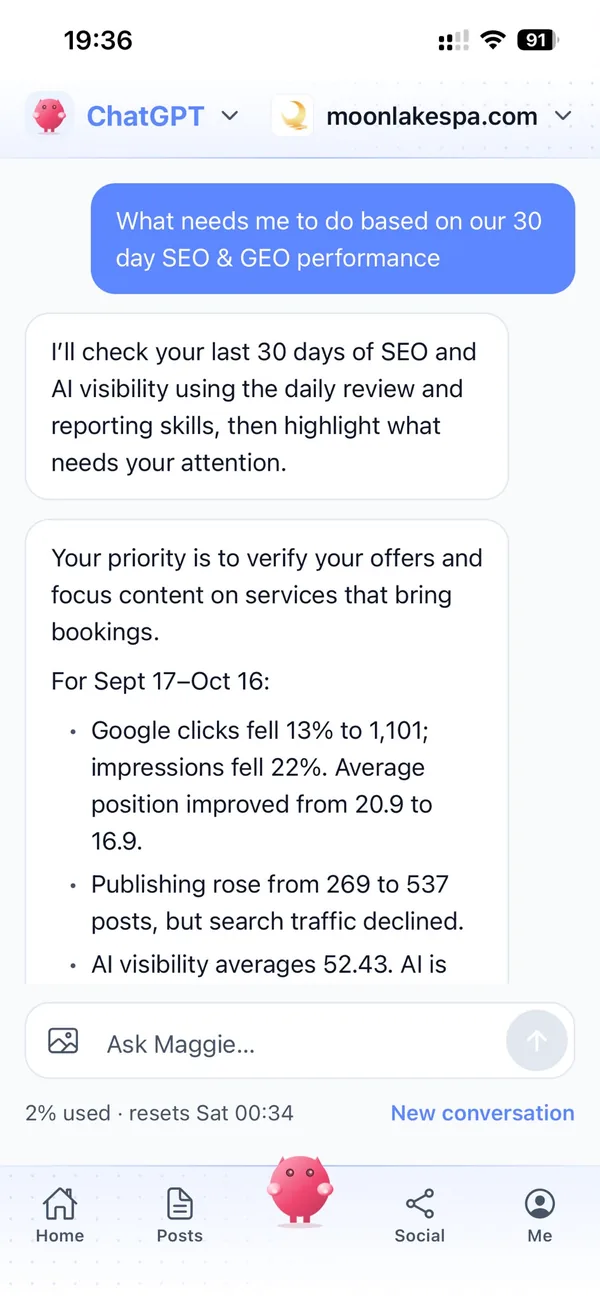
You can also ask Maggie from ChatGPT or Claude through the cmo.so connector, for example to see what's waiting for you or to change a post, and she shows a card before she changes anything.
What does cmo.so keep from my Search Console account?
Only what it needs to publish for you. Keys, passwords and sign-in tokens are checked with Search Console when you connect and stored to post on your behalf; Maggie never sees them in the chat.
cmo.so never sells or rents your data. Search Console data is only used to show your own results and plan your content, never for advertising or to train AI models, and videos you upload are deleted within 7 days of posting.
What happens to my posts if I disconnect Search Console or cancel?
Everything already published stays on Search Console: the posts are yours, written into your own account or site. Disconnecting only stops new posts going out.
Written posts that haven't gone out yet stay in the app, so you can reconnect later and carry on from where you stopped. A cancelled paid plan runs to the end of the month you've paid for.
How much does it cost to use cmo.so with Search Console?
Connecting Search Console is free. Every website starts on the free plan with no card needed. Each account gets five free social posts even before the website is verified, and once it's verified you get 30 free blog posts.
Paid plans are per website and billed monthly: Air £15 (2 posts a day), Pro £45 (12 a day), Max £75 (24 a day), Ultra £115 (48 a day) and Elite £195 (96 a day). Founding members pay less on Pro and above for as long as they stay subscribed.
If you cancel, the plan carries on until the end of the month you've paid for, and everything already published stays where it is.
Connect the rest of your marketing
Maggie runs your other channels from the same app as Search Console, each in its own style.


See what your articles bring in
Enter your website. Maggie writes your first articles; connect Search Console to see how they do.
- Free plan, no card needed
- You approve every post
- Cancel any time