


Connect Any website to cmo.so
Built on Next.js, Astro, a headless CMS or your own code? Your site fetches each new article from cmo.so with one API key, or an AI coding tool sets it all up for you.
Free to start · No credit card · You approve every post
Code it, or have it coded
Both need a verified website. Either way your site pulls posts; nothing reaches into your server.
Connect your site with the API
Choose Any site in the app
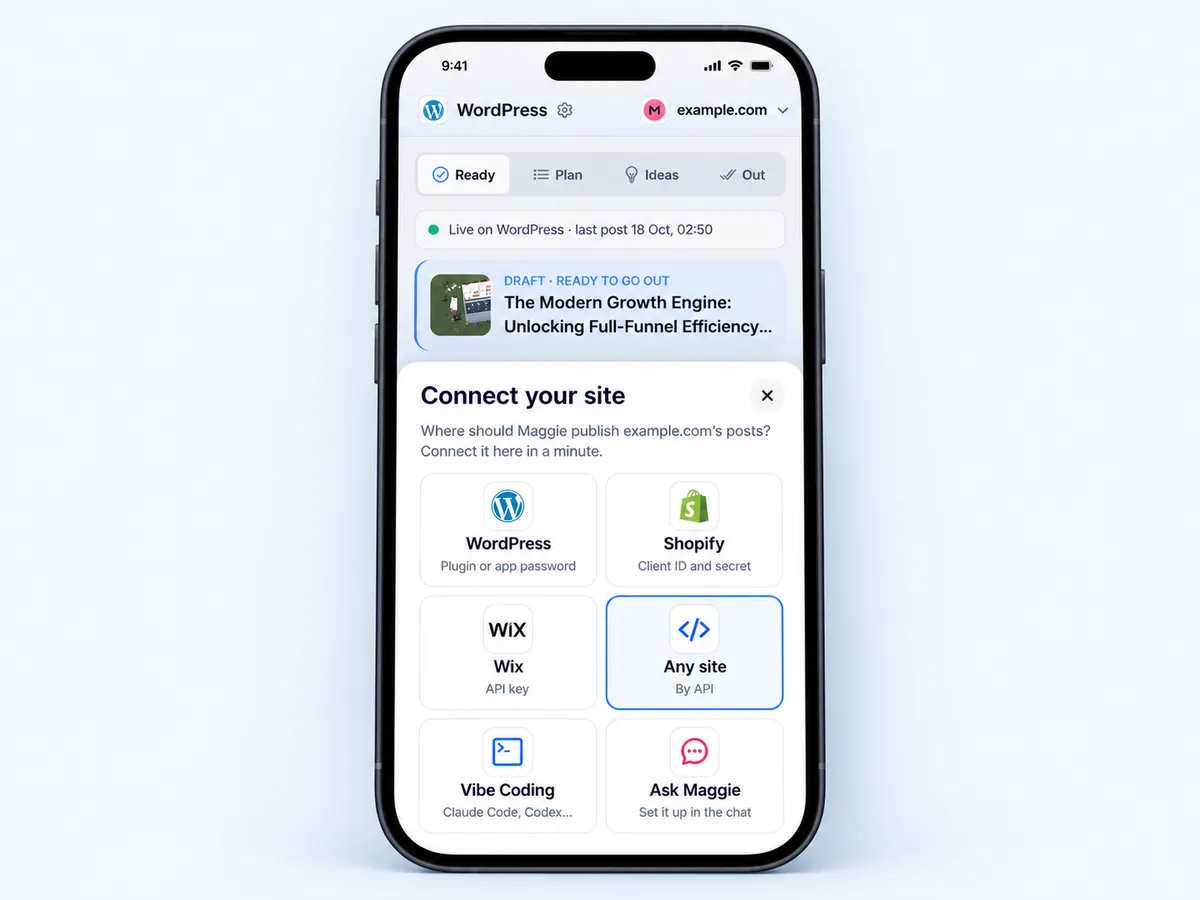
In the cmo.so app, go to Posts. On the Connect your website card tap Show me how (or open Publishing settings → Change the connection), then choose Any site (By API).
Create your key
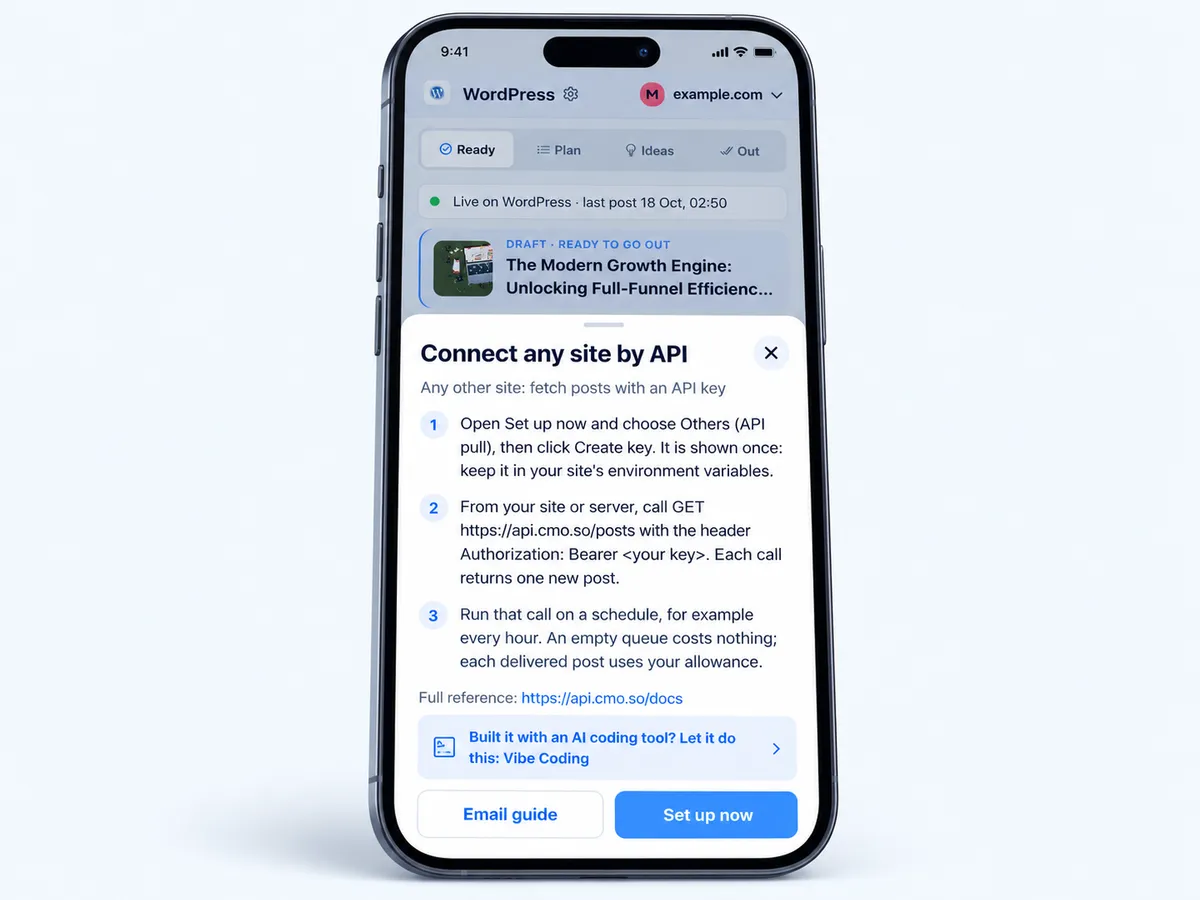
The sheet shows the three steps. Tap Set up now, choose Others (API pull) and click Create key. It's shown once: keep it in your site's environment variables.
Tip Never put the key in browser code: call the API from your server.
Fetch posts with your key
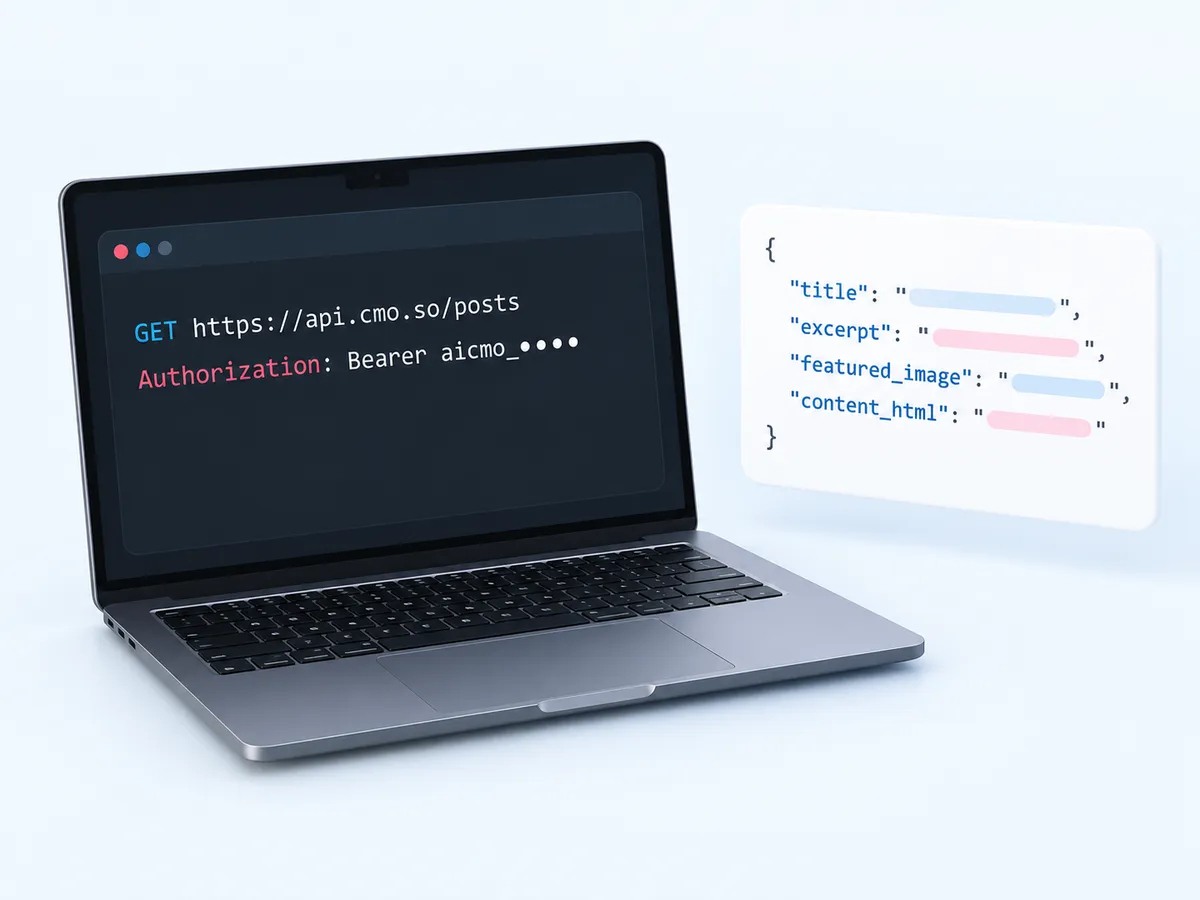
Call GET https://api.cmo.so/posts with the header Authorization: Bearer <your key>. Each call returns one new article: title, excerpt, category, keywords, featured picture, HTML and Markdown.
Run it on a schedule
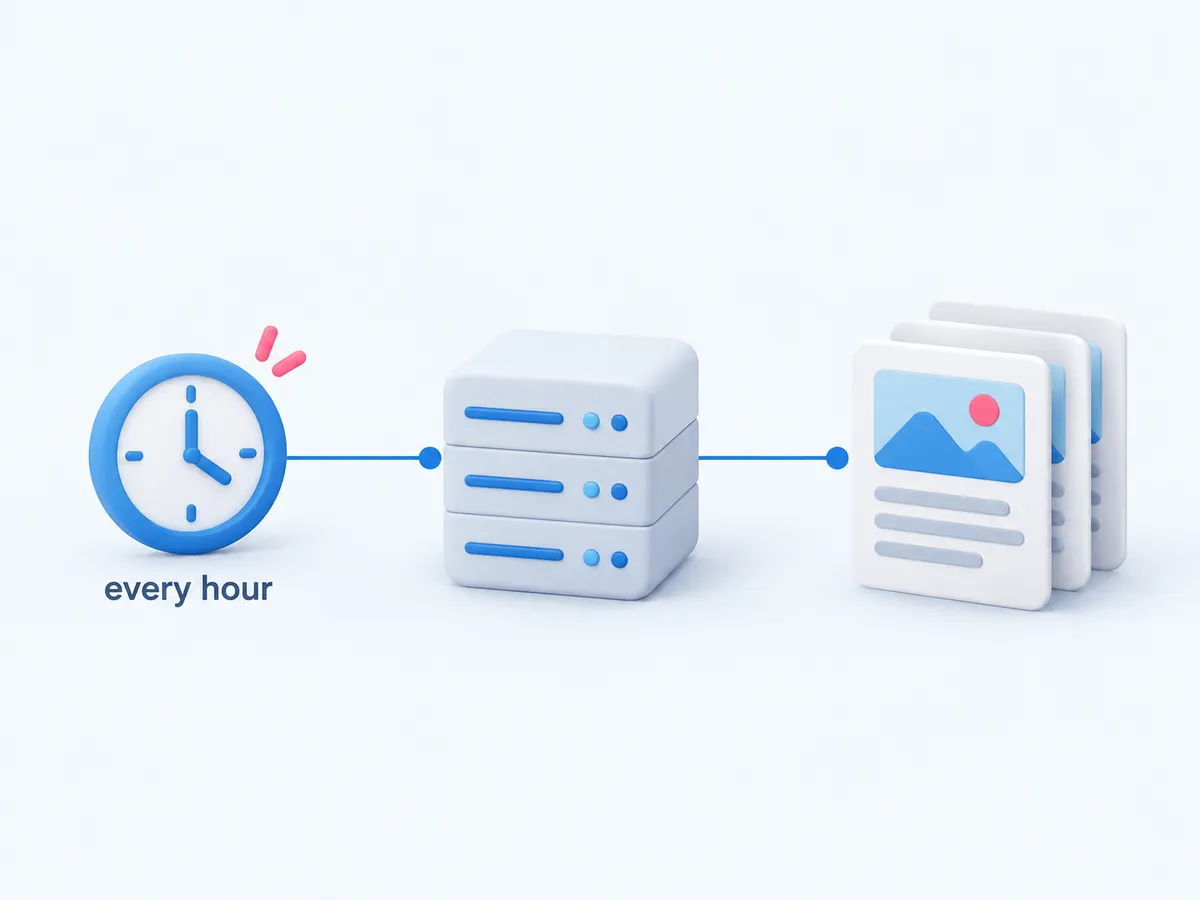
Call it every hour, for example. An empty queue costs nothing; each delivered article uses your allowance. Already-delivered posts can be read again from /history for 90 days.
Render your blog
Save each article and show it at /blog/<slug> with its title, meta description, canonical address and picture. Rewrites of older articles come from /updates.
Let your AI coding tool connect it
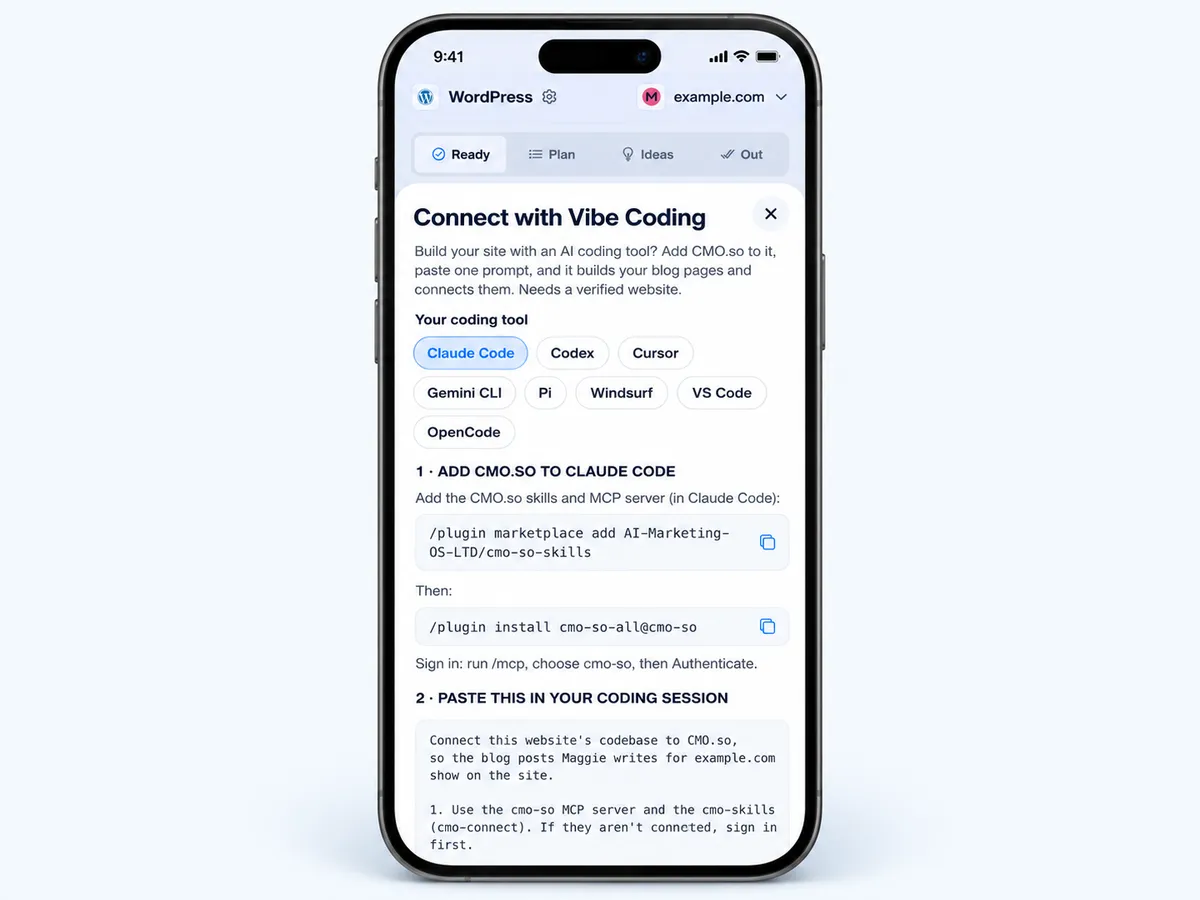
Open Vibe Coding and pick your tool
In the app, go to Posts → Show me how → Vibe Coding and choose your tool: Claude Code, Codex, Cursor, Gemini CLI, Pi, Windsurf, VS Code or OpenCode.
Add cmo.so to the tool
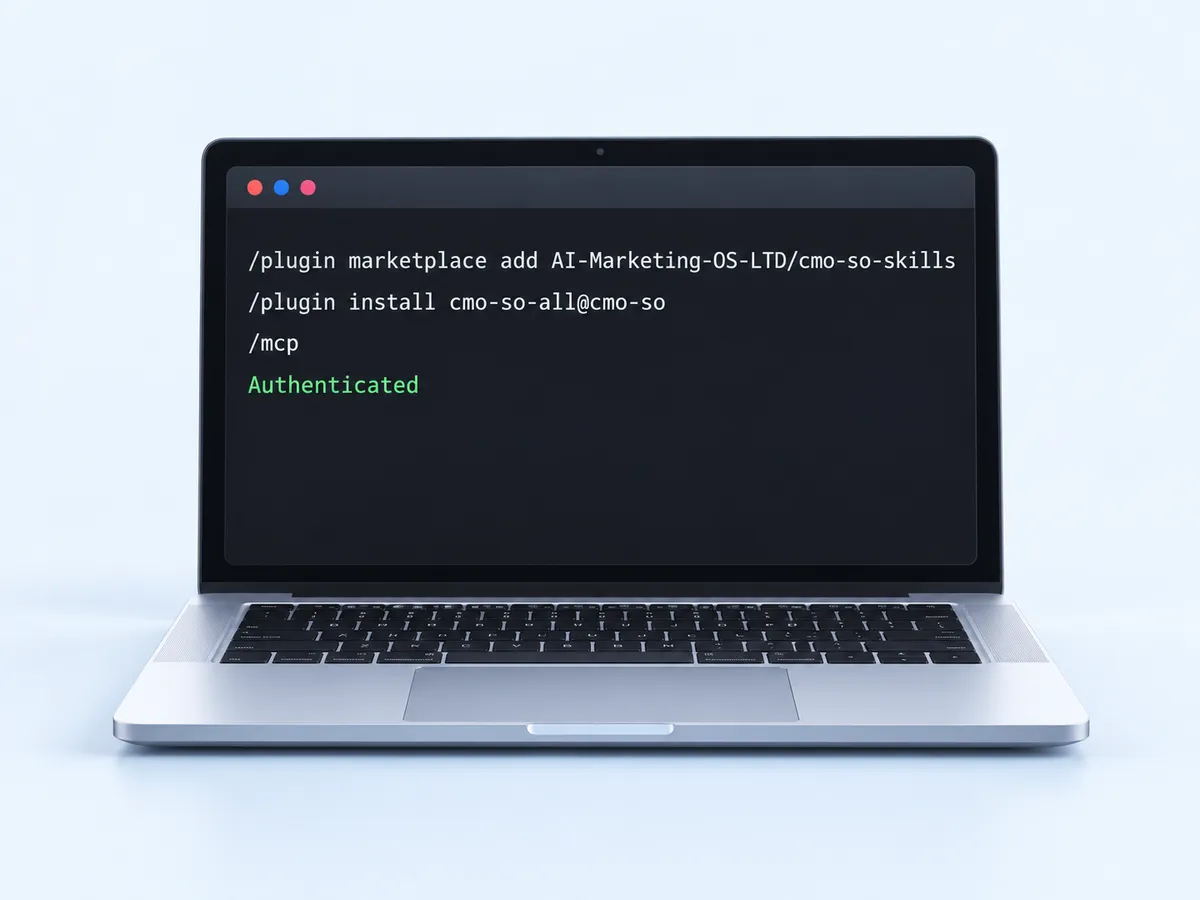
Run the commands shown for your tool. In Claude Code: /plugin marketplace add AI-Marketing-OS-LTD/cmo-so-skills, then /plugin install cmo-so-all@cmo-so, then /mcp → cmo-so → Authenticate.
Paste the prompt
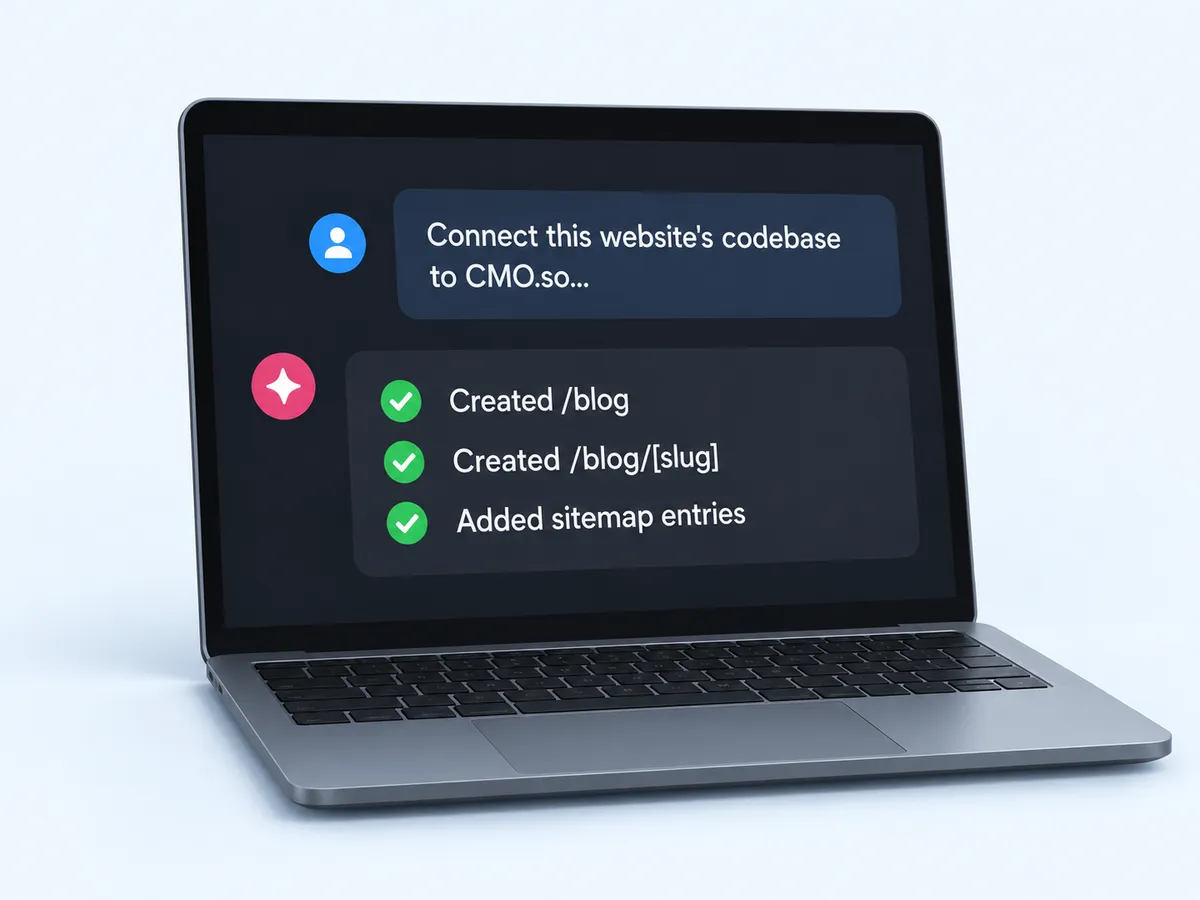
Copy the prompt from the app into your coding session. It connects the website with the cmo.so CLI, builds /blog and /blog/[slug] pages with metadata, Article JSON-LD and sitemap entries, then turns on publishing.
Deploy and check
Deploy your site as usual. The next approved article appears at /blog on its own schedule.

What you need
- A verified websiteKeys and API publishing need it; verify by email, DNS (one tap with Cloudflare) or ask us.
- Somewhere to run codeA server, serverless function or build step that can call the API on a schedule.
- Or an AI coding toolClaude Code, Codex, Cursor, Gemini CLI, Pi, Windsurf, VS Code or OpenCode.
- Your website added to cmo.soSo Maggie knows your brand.
Used by 600+ users and trusted by teams at
aeglesriphal.com
moonlakespa.com
shop.theteagroup.com
clo100.com
logtrics.io
mymorez.com
nextidal.com
otisapp.com
storaitelling.com
theheatpumps.co.uk
web-translations.com
exposeai.tech
orielipo.com
whitelabelcrowd.fund
elliptic.co
med.moonlakespa.com
netdex.co.il
orawellness.uk
reenest.com
syngage.ai
thepenthouseliving.com
zengolf.studio
imaintain.uk
rebuildingsociety.com
aurasocial.world
goaimex.com
moneyparents.com
newgenrenewables.uk
osmosisai.co
saunders.ac
teeza.app
thursdayclub.com
A blog on any stack
Nothing reaches into your site
Your server asks for posts; cmo.so never needs a login to your site.
Everything for SEO
Title, meta description, keywords, featured picture with alt text, HTML and Markdown.
Rewrites included
Older articles come back improved through /updates, and sitemap matching links your existing posts.
Fair on your allowance
You're charged only when a post is delivered; an empty queue is free.
Webhooks if you want them
A post.delivered webhook tells your system when a post goes out.
You approve first
Articles wait in Posts → Ready unless you let them run.
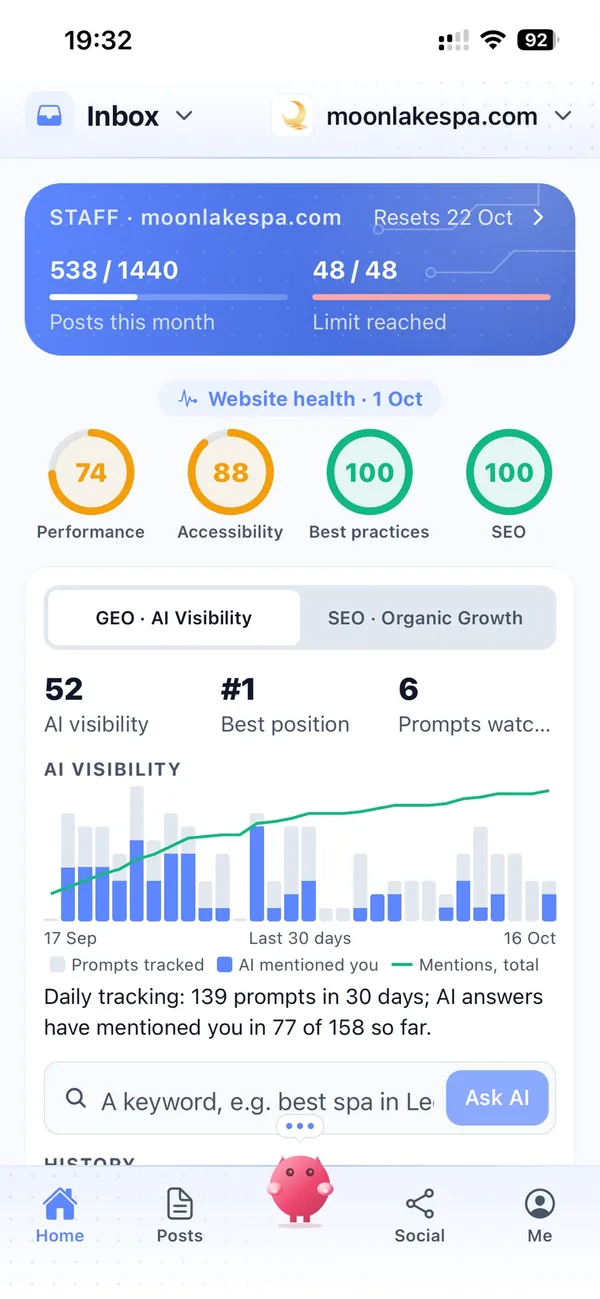
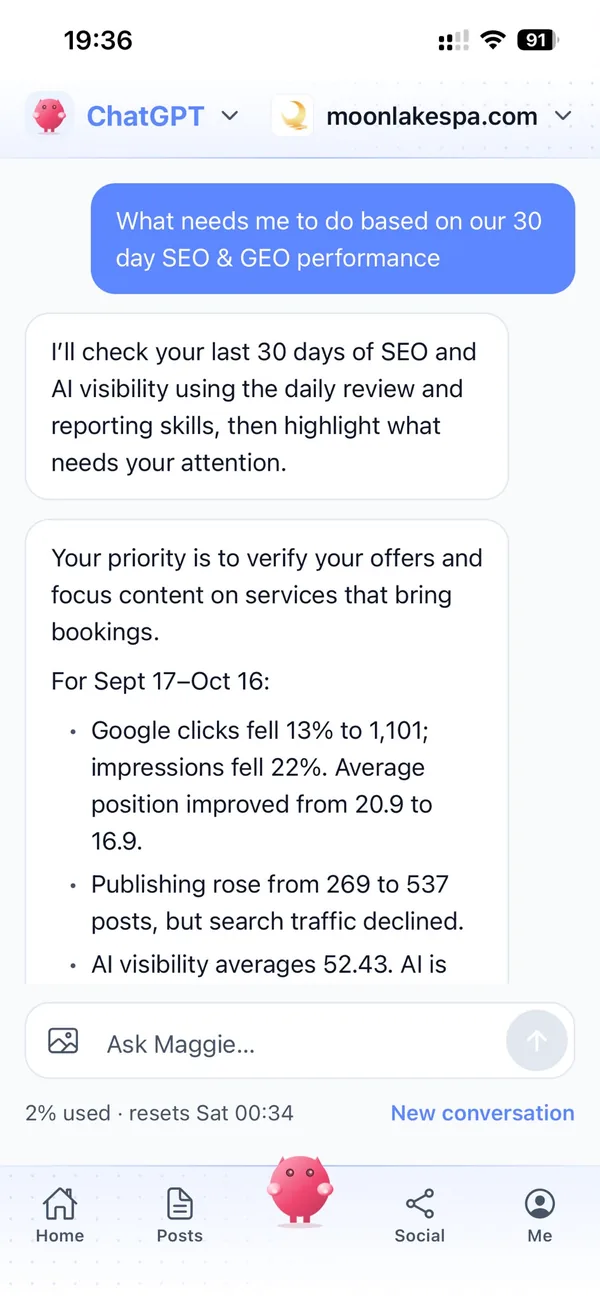
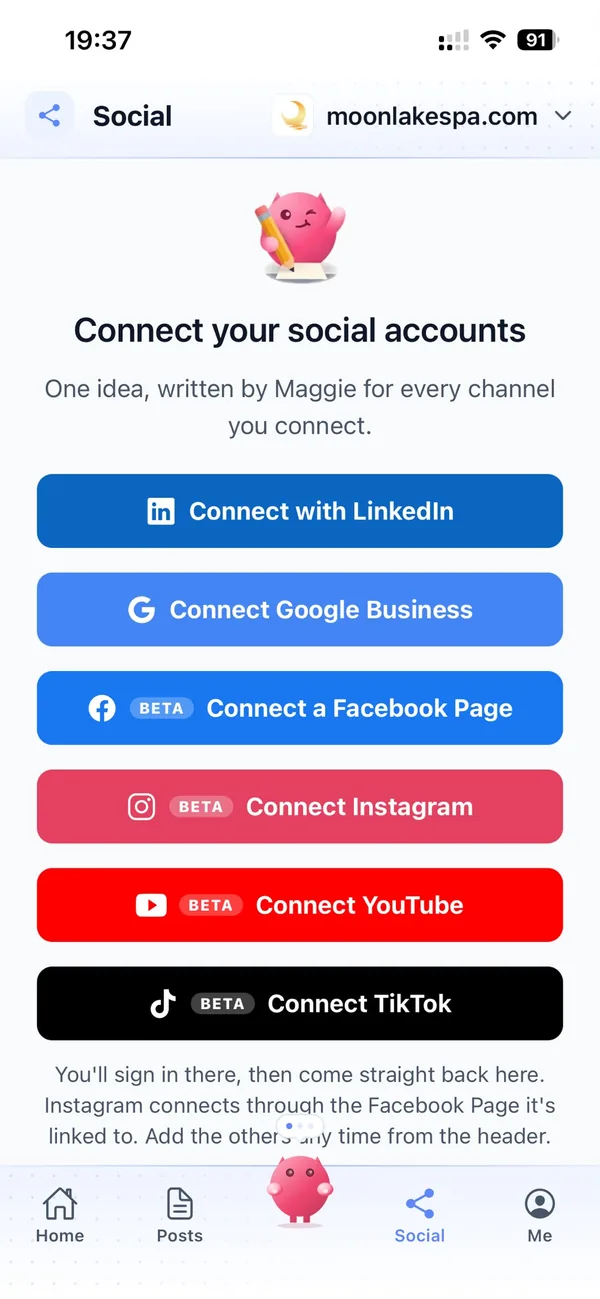
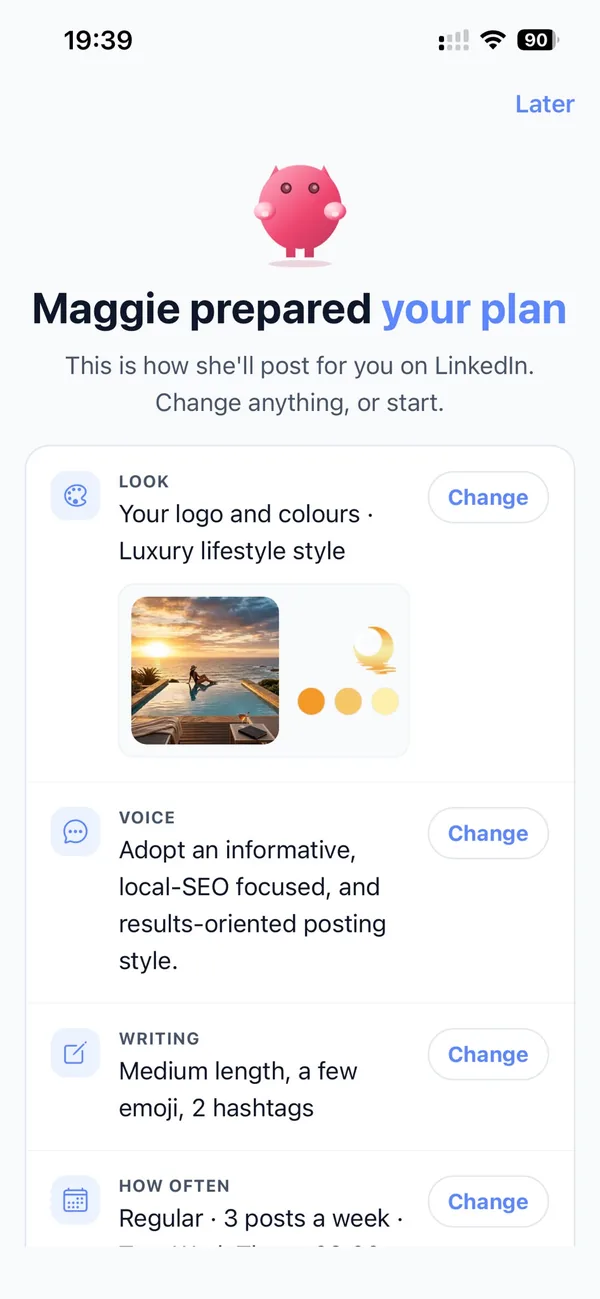
Your marketing team, in your pocket
Real screens from the cmo.so app on iPhone.
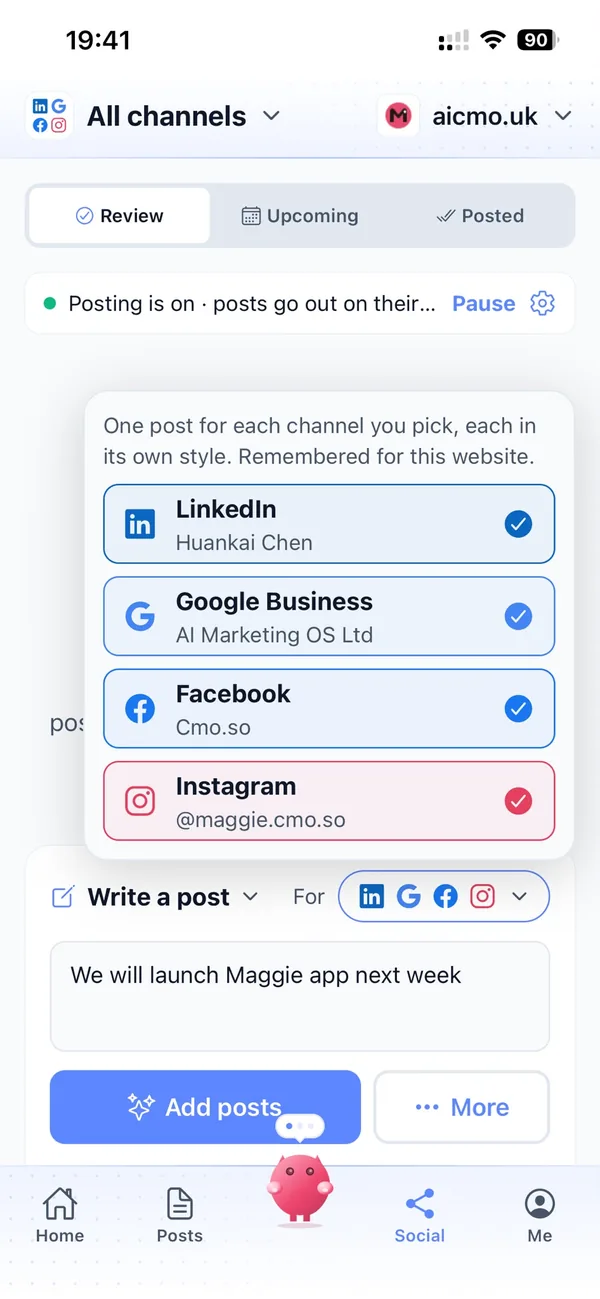
A week with Maggie on your own site
You approve the week's articles in the app.
Each hour your site asks for the next one; when there is one, it saves it and the page appears at /blog. Nobody on your team has to touch it.
Things to watch with the API
Keep the key on the server
A secret key in browser code can be copied. Publishable aicmo_pub_ keys are read-only.
Shared allowance
API posts and pushed posts use the same monthly allowance.
One publishing connection
Turning on API publishing stops publishing to any other platform for this website.
Revoke any time
Create a new key without breaking the old one, then revoke the old one.
The cmo.so API
- Base address
- https://api.cmo.so
- Authentication
- Authorization: Bearer <your aicmo_ key>
- New posts
- GET /posts returns one new post per call
- Rewrites
- GET /updates
- History
- /history and /latest, free to re-read for 90 days
- Other endpoints
- /quota, /whoami, /sitemap/match, /topics, /project-context
- Reference
- https://api.cmo.so/docs
Cut the £5,900/mo marketing bill to £15/mo
Everything a marketing team does, done by Maggie.
| What needs doing | Without cmo.so | With cmo.so |
|---|---|---|
| Full-time marketing hire | £3,000/mo | Included |
| SEO and AI search (GEO) agency | £1,000/mo | Included |
| Content writer, AI-assisted | £500/mo | Included |
| Social media manager, freelance | £800/mo | Included |
| Designed pictures for every post | £300/mo | Included |
| SEO and GEO softwareRank tracking, site audits, AI visibility | £250/mo | Included |
| AI writing and image tools | £50/mo | Included |
| Working hours | Office hours | 24/7 |
| Total per month | £5,900+ | From £15/mo |
Typical UK costs for a small business in 2026, with AI already cutting freelance rates. Estimates only; your own quotes will vary.
- 5 social posts, 30 once verified
- 15 Maggie messages a day
- Upgrade any time
- 12 posts a day
- 150 Maggie messages a day
- All channels
- 96 posts a day
- 1,000 Maggie messages a day
- All channels
Per website, billed monthly. Blog and social posts share one allowance; your best plan sets how much you can talk to Maggie across all your websites.
Publishing by API: your questions
Still unsure?
Which frameworks does it work with?
Any that can make an HTTPS request on a schedule: Next.js, Astro, Nuxt, SvelteKit, Laravel, Rails, Django, a headless CMS or a static site with a build step.
What matters is that the call runs on your server, not in the browser, because the key is secret. A cron job, a scheduled function or a build hook all work. If your host sleeps between visits, call the fetch from a build hook or a free cron service instead.
Browser builders such as Lovable, Bolt, v0 and Replit can do it too: their prompt stores the key as a secret and adds a server function that runs every hour. The API reference at https://api.cmo.so/docs has the details for any stack.
What does one call return?
GET /posts returns the oldest written article that hasn't been delivered yet: title, excerpt, category, keywords, featured picture with alt text, HTML and Markdown. If the queue is empty nothing is charged, and delivered posts can be read again from /history for 90 days.
Save each article as soon as it arrives, in your database, CMS or content files, then show it at /blog/<slug> with its title, meta description, canonical address and picture. If an article has no slug, make one from the title. Calling once an hour suits most sites.
Each delivered article uses one post from your monthly allowance, shared with posts pushed to other platforms. If your site misses one, read it again from /history or /latest. Other endpoints, such as /quota and /whoami, are listed in the API reference.
Do I need a developer?
Not if you use Vibe Coding: Claude Code, Codex, Cursor or another tool reads the prompt from the app, builds your /blog pages and connects them for you.
In the app, go to Posts → Show me how → Vibe Coding and pick your tool; the prompt comes with your website filled in. Your tool installs cmo.so, asks you to approve a sign-in, adds your website key to .env without printing it and shows you /blog running before anything goes live. It takes about 15 minutes.
If you do have a developer, the API route takes about an hour: create a key, call the endpoint on a schedule and render what comes back. Either way, read the code changes before you deploy, as you would for any pull request.
How do rewrites reach my site?
Improved versions of older articles come from GET /updates. Sitemap matching links articles that are already on your site, so Maggie can rewrite them too.
Have your job read GET /updates on the same schedule as /posts and replace the older version in place, so the address, links and search history carry over. How many rewrites you get depends on Refresh older articles in Publishing settings, and with Search Console connected the data steers which articles need it most. The /sitemap/match endpoint is in the API reference.
How many articles will Maggie publish on your website?
New connections start at one article a day. You choose Posts per day in Publishing settings, up to your plan's limit: 1 before a plan, then 2 (Air), 12 (Pro), 24 (Max), 48 (Ultra) or 96 (Elite).
Each delivered article uses one post from your monthly allowance, and the app shows what's left. Turn Publishing off and written articles simply wait in order.
Can I edit an article before it reaches your website?
Yes. Open it in Posts → Ready: switch between Preview and Edit, change any words and Save. Rewrite asks Maggie for a new version with your note, Fix Markdown tidies the formatting, and Publish now sends it straight away on connections that support it.
Ideas for future articles sit in Posts → Ideas, where you can add your own, reorder the plan or delete any you don't want.
Will Maggie update older articles on your website?
If you want her to. In Publishing settings, Refresh older articles can be Off, When I ask or Automatic. Automatic uses a share of each day's posts (10 to 50%) for rewrites of articles older than 30, 60, 90 or 180 days.
Rewrites keep the same address, so links and search history stay; the Rewrite queue in Me shows what's suggested and what has been rewritten, and Search Console data steers which articles need it most.
What does the content guard check before a your website post goes out?
When it's on, the content guard reads each post before it goes out and checks it against your industry's rules (financial, medical, insurance, legal or education) and any rule you write yourself, such as never naming a competitor.
A post that may break a rule is held, as a draft on your website or in Review for social, with the reason and a suggested rewrite, even if posts normally go out on their own. You can see what it held and why in Publishing settings.
Can I check every your website post before it goes out?
Yes, and that's how it starts. New posts wait in the app (Posts → Ready for articles, Social → Review for social posts) until you approve them. You can edit any post, ask Maggie to change it in your own words, or delete it.
When you trust the results, switch the channel to go out on its own; the content guard keeps checking each post first and holds anything it isn't sure about. You can switch back, or pause, at any time.
How soon will your website bring results?
Your brand profile and the first drafts are ready within minutes of entering your website, and the first posts can go out the same day once you approve them.
Search traffic builds over weeks to months as Google and AI assistants find and trust your pages; social reach grows with regular posting. Connect Search Console to see which posts bring clicks, and Maggie uses it to choose what to improve.
Do I need to verify my website first?
Verifying proves the website is yours. It unlocks your 30 free posts and, for some connections, publishing itself. You can verify with a work email at your domain, a DNS TXT record (one tap if your domain is on Cloudflare), the WordPress plugin, or by asking us to check by hand, usually within one working day.
Free email addresses such as Gmail or Outlook can't be used for the email check.
Can I manage your website from my phone?
Yes. Everything on this page works in the cmo.so app on iPhone and on the web at app.cmo.so: connecting, approving, editing and pausing.
You can also ask Maggie from ChatGPT or Claude through the cmo.so connector, for example to see what's waiting for you or to change a post, and she shows a card before she changes anything.
Connect the rest of your marketing
Maggie runs your other channels from the same app as your website, each in its own style.





Give any website a blog that writes itself
Enter your website. Your brand profile and first articles are ready in minutes.
- Free plan, no card needed
- You approve every post
- Cancel any time