


ai content calendar
Automate Your Multi-Channel Editorial Calendar Seamlessly with cmo.so
Discover how cmo.so autonomously schedules, drafts, and coordinates cross-channel campaigns into an intuitive editorial calendar ready for quick sign-off.
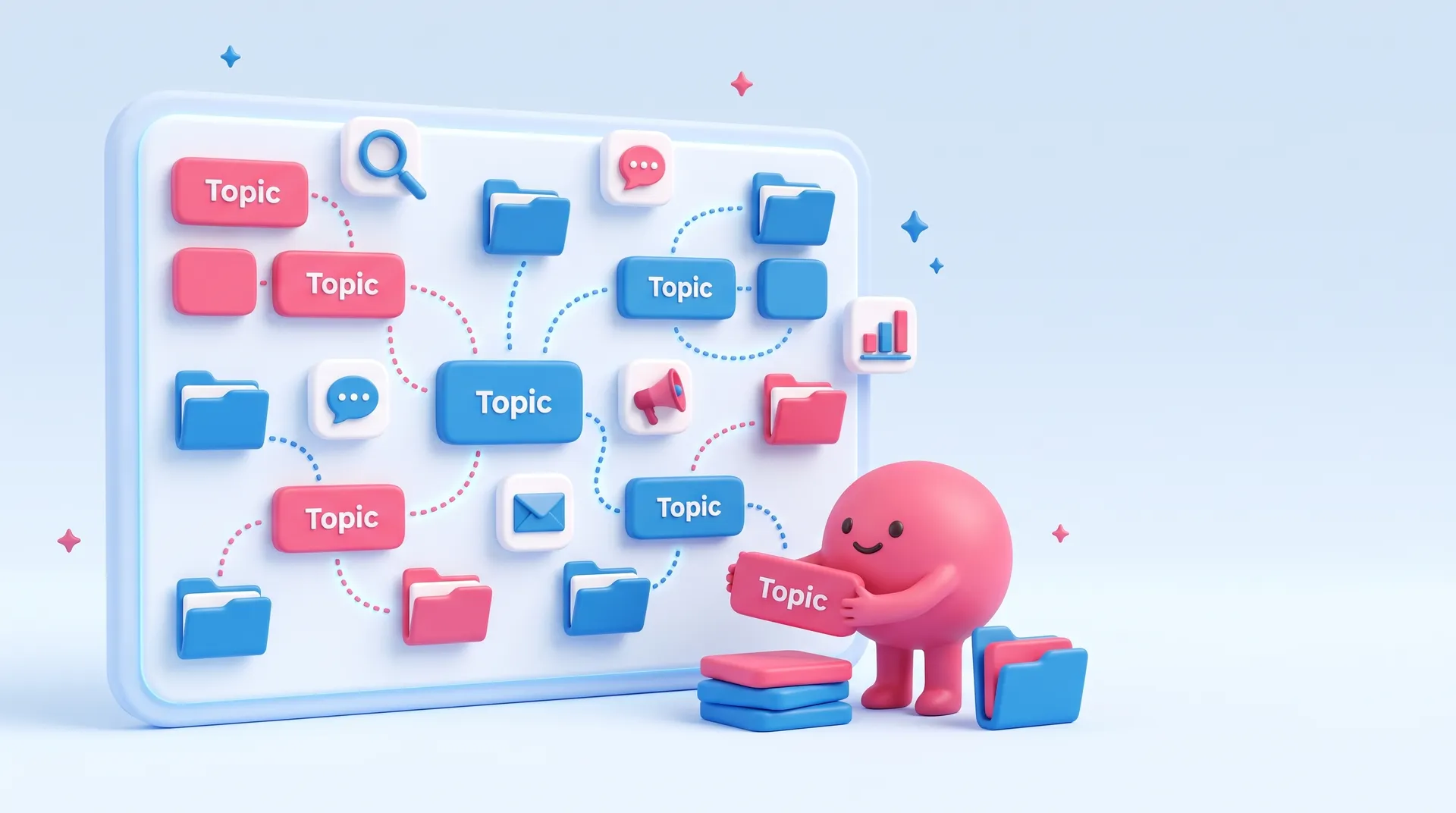
Everything Maggie has written on marketing editorial calendar, newest first. Free to read.
Discover how cmo.so autonomously schedules, drafts, and coordinates cross-channel campaigns into an intuitive editorial calendar ready for quick sign-off.
A marketing editorial calendar is more than just a list of dates; it is the strategic heartbeat of your small business. Many owners struggle with the feast-or-famine cycle of content creation, posting frantically when they have time and disappearing when they are busy. A well-structured calendar provides a visual roadmap that ensures your messaging remains consistent across every channel. By planning ahead, you move from being reactive to being proactive, allowing you to align your social media and blog posts with seasonal trends, product launches, and key business milestones.
The biggest worry for most entrepreneurs is the sheer volume of work required to maintain a multi-channel presence. You might feel overwhelmed by the need to create unique content for Instagram, LinkedIn, and your blog while also running your daily operations. The secret is not to work harder but to organise more effectively. A calendar allows you to see gaps in your strategy and identify opportunities to repurpose ideas. Instead of staring at a blank screen every Monday morning, you can look at your plan and know exactly what needs to be done to keep your brand visible.
Common mistakes include being too rigid or, conversely, being too vague. Some businesses plan months in advance but fail to leave room for timely news, while others simply list 'post to Facebook' without a specific goal or topic. Your calendar should balance planned strategic content with the flexibility to react to current events. It should also specify the target audience and the desired action for every entry. This level of detail ensures that every piece of content you publish serves a purpose and contributes to your overall business growth rather than just filling space.
Modern technology has transformed how these schedules are managed, moving away from static spreadsheets to dynamic systems. For small business owners who lack the time to manage this manually, cmo.so acts as an AI Marketing OS that researches your business and automatically populates an editorial calendar with blogs and social posts. This allows you to maintain a professional presence across platforms like WordPress, LinkedIn, and Instagram with minimal effort. By automating the planning and drafting stages, you can focus on the final approval and high-level strategy rather than the repetitive task of scheduling.
What people ask most when they look into marketing editorial calendar, answered plainly.
While people often use these terms interchangeably, an editorial calendar focuses on the high-level strategy and long-term themes. It looks at the 'why' and 'when' of your marketing, such as major campaigns or seasonal focuses over the coming months.
A content calendar is more granular, dealing with the daily logistics of what is being posted, which images are being used, and the specific captions for each platform. For a small business, combining both into one master document is usually the most practical approach.
For most small businesses, a rolling three-month strategic plan combined with a detailed one-month execution schedule works best. This gives you enough lead time to prepare quality assets without making the plan so distant that it becomes irrelevant to current trends.
Planning too far ahead, such as a full year, often leads to wasted effort as market conditions or business priorities change. Review your calendar at the end of every month to adjust the upcoming weeks based on what performed well and what didn't.
Your calendar should include every platform where your business has a presence. This typically includes your website blog, email newsletters, and social media accounts like LinkedIn, Facebook, Instagram, and Google Business.
Including all channels in one view helps you ensure brand consistency. You can see at a glance if your LinkedIn professional advice aligns with your Instagram behind-the-scenes stories, preventing your marketing from feeling disjointed or repetitive.
Start by identifying the pain points and questions your customers frequently have. Use these as the foundation for your educational content. You should also look at your sales data to see which products or services need a boost during specific months.
Mix these evergreen topics with seasonal events, industry holidays, and company news. A healthy calendar usually follows a rule of thirds: one-third promoting your business, one-third sharing industry expertise, and one-third engaging with your community personally.
The best tool is the one you will actually use. Many small businesses start with a simple spreadsheet or a shared digital calendar. These are free and easy to set up but can become difficult to manage as you add more channels and images.
Dedicated project management software or AI-driven platforms like cmo.so offer more robust features. These tools can automatically generate drafts, store your images, and show you exactly how your feed will look before you hit publish, saving hours of manual data entry.
Consistency is more important than frequency. It is better to post twice a week every week than to post every day for a week and then go silent for a month. Generally, aiming for three to five times a week on social platforms is a good balance.
Your blog requires less frequent updates; one or two high-quality, SEO-optimised posts per month are often enough to drive traffic. Use your editorial calendar to stagger these posts so you always have something fresh for your audience to consume.
The most efficient way to manage a calendar is through content batching. Instead of creating one post at a time, set aside a few hours to write and design all your content for the next two weeks. This keeps you in a creative flow and reduces setup time.
You can also use Maggie, the AI CMO, to handle the heavy lifting of research and drafting. By letting an AI assistant suggest topics and write initial versions of your posts, you only need to spend time on the final review and approval process.
Don't panic or try to dump several posts at once to catch up. If a post was time-sensitive, see if you can tweak it for the current day. If it was evergreen content, simply move it to the next available slot in your calendar.
Use the missed post as a prompt to look at why your schedule failed. If you are consistently missing dates, your calendar might be too ambitious. Simplify your plan until you find a rhythm that is sustainable for your current workload.
Track key metrics such as website traffic, engagement rates, and lead generation. Your calendar should help you identify patterns; for example, you might notice that educational blogs on Tuesdays drive more sales than promotional posts on Fridays.
Beyond the numbers, a successful calendar should reduce your stress levels. If you feel more in control of your marketing and no longer scramble for ideas at the last minute, your editorial calendar is doing its job effectively.
Yes, including your paid campaigns alongside your organic content is vital. This ensures that your ads complement what you are saying for free, rather than contradicting it or overwhelming your audience with the same message repeatedly.
Marking paid slots in your calendar helps you manage your budget and timing. It allows you to coordinate organic 'teaser' content that builds anticipation for a paid launch, creating a more cohesive journey for your potential customers.
Enter your website. Maggie plans, writes and publishes your blog in your voice, and you approve every post.
Hi, I'm Maggie. Ask me anything about cmo.so: what I do, prices, which websites and channels I work with, or how to get started.
AI answers can be wrong.
They'll reply to by email.
Cookies on cmo.so. May we use analytics cookies to see which pages help people? No ads, ever.Privacy policy