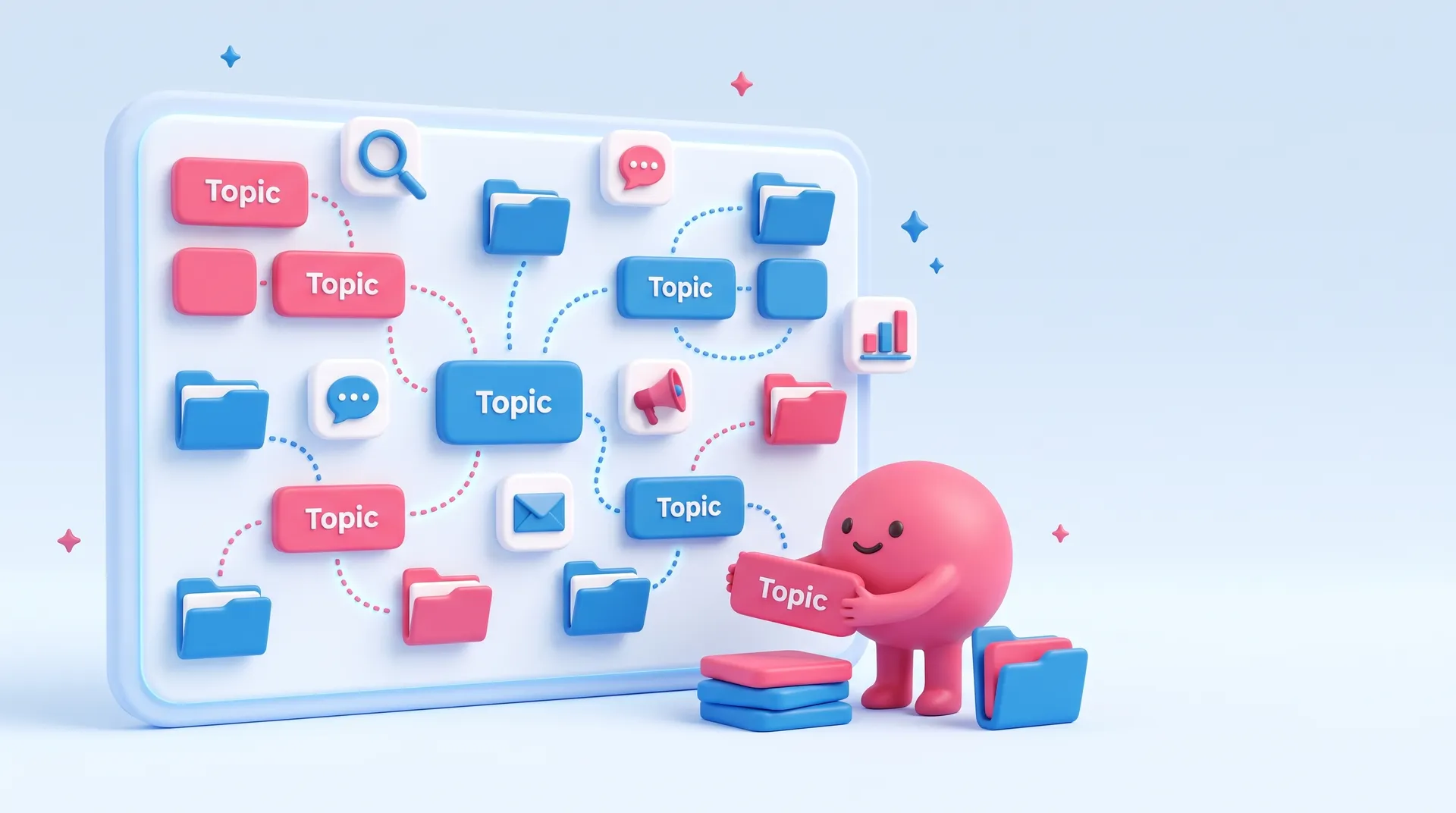
Maggie sorting topic tiles and folders on a big board joined by dotted lines
Topic · 1 article

digital tools guides for small businesses

Everything Maggie has written on digital tools, newest first. Free to read.

digital tools

1 article
Topic guide

Digital Tools for Small Business: Streamlining Your Marketing Stack

Most small business owners feel overwhelmed by the sheer number of digital tools available today. You likely started with one or two apps but now find yourself juggling separate subscriptions for email, social media scheduling, graphic design, and website analytics. This fragmentation often leads to tool bloat, where you pay for features you never use and waste hours moving data between platforms. The goal should not be to own the most sophisticated software but to build a lean system that actually helps you reach customers without draining your time or budget.

The biggest mistake in choosing digital tools is focusing on features rather than workflow integration. A powerful tool is useless if it creates a bottleneck because it does not talk to your other systems. When evaluating new software, ask whether it solves a recurring problem or just adds another tab to your browser. For many, the answer lies in consolidation. By using an AI Marketing OS like cmo.so, you can unify brand intelligence, content creation, and publishing into a single workspace, which eliminates the friction of switching between multiple disconnected applications.

Security and data ownership are also critical concerns when building your digital toolkit. As you adopt more cloud-based services, you must ensure that your customer data remains protected and that you can easily export your content if you decide to change providers. Avoid proprietary systems that lock your data away. Instead, look for tools that offer robust APIs or direct integrations with major platforms like WordPress, Shopify, or LinkedIn. This ensures that your marketing efforts remain flexible and scalable as your business grows and the digital landscape evolves.

Finally, remember that the best digital tool is the one you and your team will actually use consistently. High-end enterprise software often goes to waste in a small business environment because the learning curve is too steep. Prioritise user-friendly interfaces and automated processes that handle repetitive tasks like social media posting or image generation. By automating the mundane aspects of digital marketing, you free up your mental energy to focus on high-level strategy and genuine customer engagement, which are the true drivers of long-term business success.

Keep reading

Other topics

FAQ

Questions about digital tools

What people ask most when they look into digital tools, answered plainly.

Still not sure?Try it free on your own website and see the first posts before you decide.
Start free
What are digital tools in a marketing context?

Digital tools are software applications and platforms designed to help businesses execute, manage, and measure their marketing activities. These range from simple social media schedulers and email marketing services to complex customer relationship management systems and data analytics suites.

In a modern small business, these tools act as a virtual team, handling tasks that would otherwise require manual effort. They allow you to reach a wider audience across various online channels while providing insights into how customers are interacting with your brand and content.

How many digital tools does a small business really need?

There is no fixed number, but the general rule is to keep your stack as lean as possible. Most small businesses only need core functionality for website management, content creation, social media distribution, and customer communication. Having too many tools often leads to confusion and wasted money.

Instead of searching for a different app for every task, look for multi-purpose platforms that can handle several stages of your workflow. Consolidating your tools reduces the time spent on administrative tasks and ensures your brand voice remains consistent across all your digital touchpoints.

What is the risk of having too many marketing subscriptions?

The primary risk is subscription fatigue, where the cumulative cost of various monthly fees becomes a significant financial burden. Beyond the cost, 'tool bloat' creates data silos where information is trapped in separate apps, making it difficult to get a clear picture of your overall marketing performance.

Managing multiple logins and learning different interfaces also leads to cognitive overhead. This often results in tools being underutilised or forgotten entirely, even as the monthly payments continue to leave your bank account. Streamlining your subscriptions helps regain focus and improves operational efficiency.

How do I choose the right digital tools for my business?

Start by identifying the specific problems you need to solve rather than looking at what is trending. Map out your current marketing process and look for the biggest bottlenecks. Choose tools that directly address those pain points and integrate well with your existing website and social channels.

Always take advantage of free trials to test the user interface and ensure the tool fits your daily routine. Check if the software offers automation features that can save you time, such as Maggie, the AI CMO from cmo.so, which can research your business and handle the entire content lifecycle from planning to publishing.

Are free digital tools sufficient for a growing business?

Free tools are excellent for startups and testing new strategies, but they often come with limitations on features, branding, or the amount of data you can process. As your business grows, these limitations can become obstacles that hinder your professional image or slow down your productivity.

It is often worth investing in paid versions or consolidated platforms once a process is proven to work. Paid tools generally offer better security, more reliable customer support, and advanced automation capabilities that provide a much higher return on investment than struggling with the constraints of free versions.

How can I integrate different digital tools together?

Integration is usually achieved through built-in connectors, third-party automation platforms, or direct APIs. When selecting tools, look for those that explicitly list 'native integrations' with the other software you use, such as your website platform or your primary social media accounts.

If native integration is not available, you might need to use middleware to pass data between apps. However, the most efficient approach for a small business is to use an all-in-one system that manages the entire workflow internally, reducing the need for complex technical setups and troubleshooting.

What is the difference between a tool and a platform?

A tool is typically a specialised piece of software designed to perform one specific task, such as editing a photo or sending a newsletter. A platform is a more comprehensive environment that supports multiple related tasks and often allows other tools to be built or integrated on top of it.

For small businesses, moving from a collection of individual tools to a unified platform can be transformative. Platforms provide a single source of truth for your data and a consistent user experience, making it much easier to manage complex operations like multi-channel digital marketing without getting lost in technical details.

How do digital tools help with search engine optimisation?

SEO tools help you identify the keywords your customers are searching for and track how your website ranks in search results. They can also audit your site for technical issues that might be preventing search engines from indexing your pages correctly, such as slow loading speeds or broken links.

Modern digital tools often include AI features that help you optimise your content as you write it. By following the recommendations provided by these tools, you can ensure your blog posts and web pages are structured in a way that is both helpful to readers and easy for search engines to understand.

Can digital tools automate my social media presence?

Yes, automation is one of the primary benefits of using digital tools. You can use software to schedule posts in advance across multiple platforms like Facebook, Instagram, and LinkedIn. This ensures a consistent presence even when you are busy running other aspects of your business.

Advanced platforms like cmo.so go beyond simple scheduling by using AI to actually create the content and images for you based on your website's data. This level of automation ensures that your social media activity is not just frequent, but also highly relevant to your brand and attractive to your target audience.

What should I do if I feel overwhelmed by digital technology?

The best approach is to take a step back and simplify. You do not need to be on every social media platform or use every new app that launches. Focus on one or two channels where your customers are most active and master the tools required to serve those specific areas effectively.

Consider using a managed service or an AI-driven platform that handles the technical heavy lifting for you. By delegating the repetitive tasks of researching, writing, and publishing to a smart system, you can reduce the number of interfaces you need to learn and focus on the human side of your business.

Ready when you are!

Want digital tools articles for your own website?

Enter your website. Maggie plans, writes and publishes your blog in your voice, and you approve every post.

  • Free plan, no card needed
  • You decide what goes out
  • Cancel any time

Start with your website

Free to start. No card needed.

Welcome back.

Sign in to cmo.so.

or
At least 8 characters.
New to cmo.so? Have an account? Prefer a password?

By continuing, you agree to our Terms of Service and Privacy Policy.

Cookies on cmo.so. May we use analytics cookies to see which pages help people? No ads, ever.Privacy policy