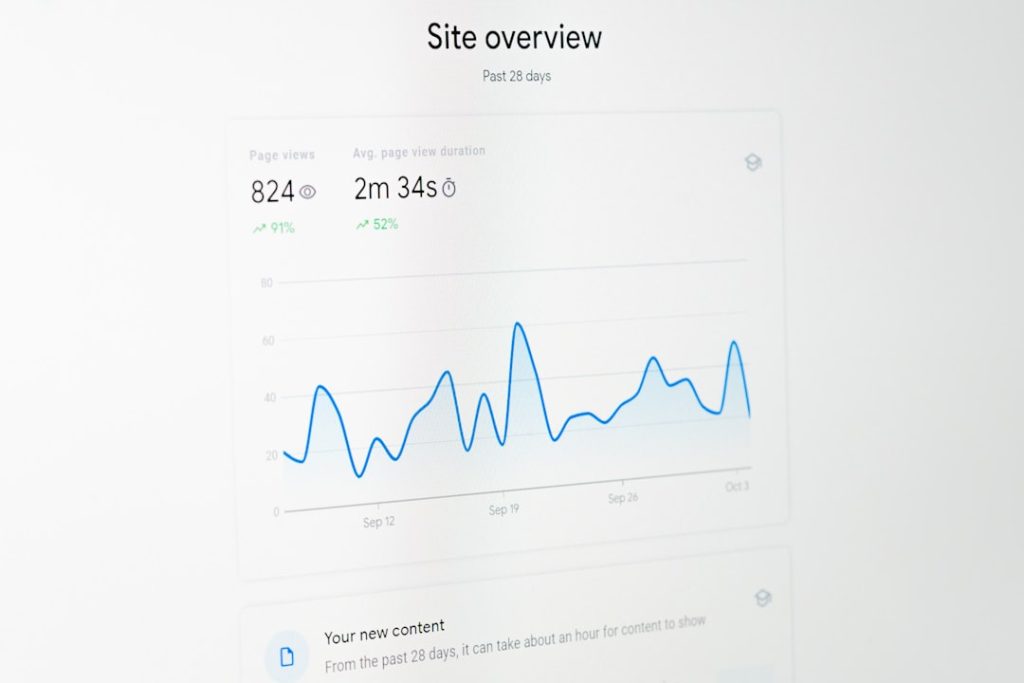
Introduction: Mastering SEO Analytics Tools on WordPress
Choosing the right plugin for SEO Analytics Tools can feel like finding a needle in a haystack. One plugin promises deep data. Another offers ease of use. Meanwhile, AI-driven platforms are rewriting the rulebook. Which one truly delivers real insights without overwhelming you?
This showdown digs into three top WordPress solutions: Yoast SEO, Rankology, and CMO.SO. You’ll see key strengths, hidden drawbacks, and why community-driven, AI-powered features are rising fast. Ready to see what modern SEO Analytics Tools look like? Discover the future of marketing with SEO Analytics Tools at CMO.SO
Why Plugin Choice Matters
Plugins shape how you optimise content, track performance, and tweak tech settings. Pick wrong, and you waste hours on outdated advice or manual fixes. Pick right, and you cut through the noise with actionable data. Here’s why:
- Speed and performance hinge on code efficiency.
- Accurate reports depend on seamless analytics integration.
- User-friendly dashboards save you time.
- AI suggestions can spark fresh content ideas.
Getting these framed by strong SEO Analytics Tools turns an uphill battle into manageable steps.
The Contenders: Yoast and Rankology
Yoast SEO: Simplicity Meets On-Page Optimisation
Yoast SEO is like your trusty bicycle for a city commute. Simple pedals, predictable turns, always gets you there.
- Meta titles & descriptions wizard.
- Focus keyphrase guidance and snippet preview.
- Readability score with handy tips.
- Auto-generated XML sitemaps.
- Breadcrumb control and social meta.
Strengths:
- Super easy setup.
- Clear traffic-light system for content checks.
- Huge community and tutorials.
Limitations:
- Lacks built-in link analysis or deep engagement metrics.
- No real-time Google Analytics or Core Web Vitals in editor.
- AI-driven suggestions are minimal.
For an SME on a budget, Yoast ticks basic boxes. Yet, if you crave richer SEO Analytics Tools, you’ll find gaps.
Rankology SEO and Analytics Tool: Deep Data in WordPress
Rankology packs a lot. Think of it as a Swiss Army knife for on-page SEO and performance. Their dashboard touches every corner:
- Core SEO: meta fields, alt text, canonical URLs, keyword density.
- Advanced SEO: schema markup, robots.txt, XML sitemaps, image optimisation.
- LinkFlow: smart internal linking suggestions, broken/orphan link alerts, engagement tables, interlink graphs.
- Google Integration: GA4 and Search Console insights inside your editor.
- Speed Optimisation: HTML/CSS/JS minification, full-page caching, WebP conversion.
- Core Web Vitals: LCP, FCP, CLS, INP, TBT, TTI, TTFB analysis with history and shareable reports.
Strengths:
- Comprehensive SEO Analytics Tools suite.
- Performance stats and recommendations in one place.
- Public and private report sharing.
Limitations:
- Steep learning curve for non-techies.
- Interface can feel cluttered.
- Recommendations lack community context—just raw data.
Rankology is perfect for data junkies. But if you want automated content ideas or peer-driven insights, you’ll hit walls.
CMO.SO: AI-Powered, Community-Driven SEO
Enter CMO.SO. No more toggling dozens of tabs. No more guesswork. It’s a platform that blends automated SEO, generative engine optimisation, and community learning:
- Automated, daily SEO content generation tailored to your domain.
- One-click domain submissions and GEO visibility tracking.
- Open campaign feed: see top-performing posts, link tactics, and engagement metrics.
- Community Q&A and peer tips on on-page optimisations.
- Auto-generated SEO blogs to inspire your own drafts.
By merging SEO Analytics Tools with AI and a living community, CMO.SO turns complex data into bite-size, actionable steps. You’re not alone—hundreds of SMEs share wins and troubleshoot together.
Midway through your journey, you’ll appreciate how community feedback fine-tunes suggestions. Need real-world proof? Start exploring SEO Analytics Tools at CMO.SO
How CMO.SO Addresses Competitor Limitations
Let’s match CMO.SO against the gaps left by Yoast and Rankology:
- No manual keyword crunching. CMO.SO auto-detects high-value phrases.
- Real-time GEO rank tracking for region-specific SEO insight.
- Community tips enhance AI output with practical tweaks.
- Single dashboard for content drafts, analytics, and performance alerts.
- Intuitive for non-marketers yet robust enough for seasoned pros.
This blend of automation, analytics, and peer wisdom lifts CMO.SO ahead of traditional plugins. You get the data depth of Rankology and the ease of Yoast—plus a vibrant learning network.
Practical Steps to Switch
Transitioning needn’t be painful. Here’s a quick roadmap:
- Submit your domain in CMO.SO’s dashboard.
- Connect your Google Analytics and Search Console.
- Review auto-generated SEO blog drafts.
- Track GEO visibility changes day by day.
- Join the community feed for Q&A and tips.
In under an hour, you set up powerful SEO Analytics Tools that evolve with your site.
Testimonials
“I was drowning in spreadsheets until CMO.SO. Now my blog ideas pop up daily, and I see GEO ranks improve in real time. It feels like having a mentor in my browser.”
— Sarah J., Boutique Retail Owner
“I tried Yoast, then Rankology, but neither gave me community feedback. CMO.SO’s open feed is brilliant. I’ve borrowed tactics, tested them, and seen clicks climb. No fluff.”
— Marcus L., Tech Startup Founder
“As someone who’s not a marketer, the auto-generated drafts are a lifesaver. I tweak a few lines, hit publish, and watch engagement. The platform teaches as it goes.”
— Priya S., Freelance Designer
Conclusion
Choosing the right WordPress plugin for SEO Analytics Tools shapes your site’s growth. Yoast offers simplicity. Rankology delivers data depth. But CMO.SO brings AI, community, and automation under one roof. It’s designed for SMEs and non-marketers to learn as they optimise.
Ready to leave complexity behind? See SEO Analytics Tools in action on CMO.SO
Share
Related posts