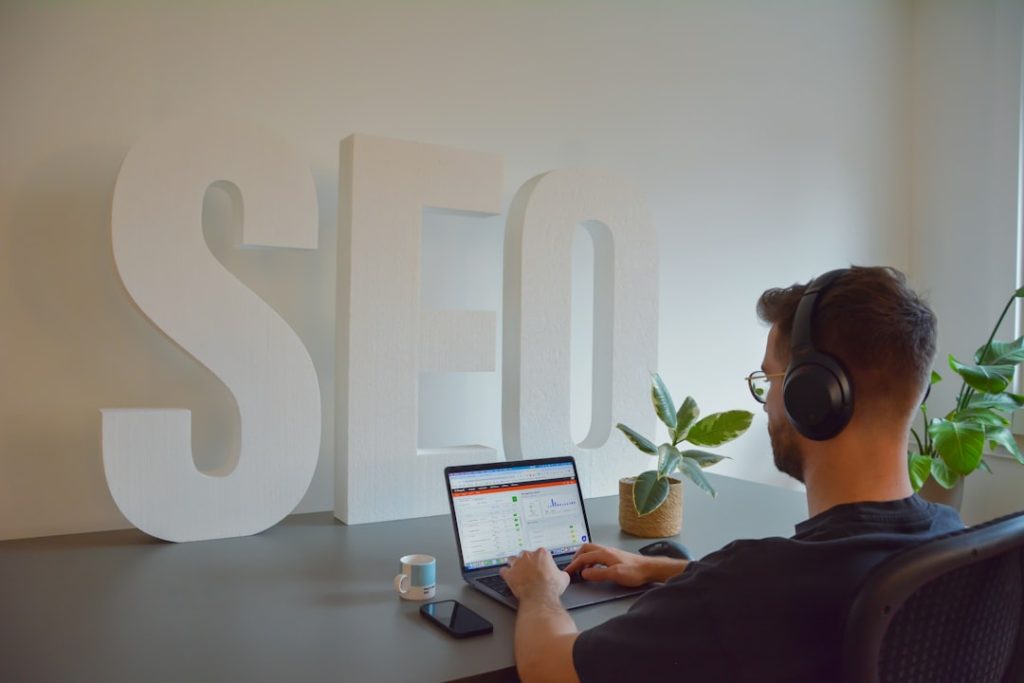
Why You Need SEO Dashboard Automation
Ever stayed up late cobbling together slides, downloading CSVs at midnight, praying the data was accurate? Been there. Automated SEO reporting is a lifesaver. It gives you:
- Consistency: Reports arrive on time, every time.
- Accuracy: Live data from your tools, not spreadsheets.
- Speed: Seconds to build a dashboard, minutes to share it.
Yet, most guides still push tools like Looker Studio with GA4 and Google Search Console. They’re solid. But they often fall short. Enter CMO.so’s SEO dashboard automation.
Looker Studio vs CMO.so: A Quick Comparison
Looker Studio strengths:
– Free, no-code dashboard builder.
– Direct connections to GA4 and GSC.
– Email scheduling out of the box.
Looker Studio limitations:
– Manual setup for each widget.
– No AI-driven insights.
– Limited to Google data sources.
– No content automation or performance filtering.
CMO.so strengths:
– True no-code platform: drag, drop, done.
– Real-time SEO dashboard automation across multiple sources.
– AI-powered insights that spotlight top-performing pages.
– Integrated with Maggie’s AutoBlog for instant content generation.
– Scheduled delivery via email or Slack, customised in a few clicks.
Looks promising, right? But let’s dig deeper.
Building Real-Time Dashboards in Minutes
With CMO.so, SEO dashboard automation isn’t a months-long project. You don’t need to learn SQL or hunt for connectors. Here’s how you do it:
- Choose a Template
Pre-built dashboards for traffic, channels, keywords, conversions. - Connect Your Data
Link to Google Search Console, Google Analytics, Bing Webmaster Tools—no code. - Customise Widgets
Drag-and-drop charts, change colours, add your logo. - Schedule Reports
Pick daily, weekly, monthly. Decide on email or Slack. - Automate Insights
AI flags dips, spikes, and keyword opportunities.
No more Sunday-night panic. No more manual exports. And you get fresh, live data whenever you need it.
What to Include in Your Automated SEO Dashboard
Borrowing from best practice (and adding a twist), here’s a checklist:
- Traffic Overview
Sessions, users, pageviews. Quick reality check. - Channel Breakdown
Organic vs paid, social, referral. See what fuels growth. - Keyword Spotlight
Top queries by clicks and impressions. Low CTR red flags. - Content Performance
Pages that hit the sweet spot: high traffic + conversions. - User Behaviour
Bounce rate, session duration, scroll depth—device and region. - Conversion Metrics
Goal completions, conversion rates, revenue.
CMO.so’s templates have these sections pre-configured. Just tweak and go.
Integrating SEO Dashboard Automation into Your Workflow
Okay, you’ve got dashboards humming. Now what? Automation without action is just noise. Here’s a simple routine:
- Morning check-in: Scan the AI insights snapshot.
- Weekly review: Deep dive on keyword performance.
- Monthly meeting: Export charts, discuss strategy.
- Continuous: Use Maggie’s AutoBlog to generate content for underperforming pages.
Remember, data isn’t the goal. Optimisation is. And SEO dashboard automation is only half the job. You still need to:
- Identify gaps (e.g., page with high impressions but zero conversions).
- Experiment (A/B test titles, CTAs).
- Iterate (publish microblogs in your niche).
With CMO.so, you get Maggie’s AutoBlog baked in. It auto-publishes SEO-optimised microblogs. Over 4,000 per month. Each one tested. Only the top posts stay live. The rest? Hidden, but still indexed by Google. It’s like having an army of writers—and an editor that never sleeps.
Why No-Code Matters for SMEs
You’re a small business. You don’t have a full-time data engineer. You might not even have an SEO person. That’s fine. No-code tools level the playing field. Here’s why:
- Faster Onboarding
Plug-and-play connectors. No manuals thicker than your phone. - Lower Cost
No expensive consultants. All features are in one platform. - Agility
Change your dashboard in minutes. Adapt to trends quickly.
For startups and micro-teams, time is the ultimate currency. SEO dashboard automation frees you up to focus on product, service delivery, customer support. Not chasing data.
Real Results: A European SME Case Study
Meet Trendy Teas, a UK-based SME selling herbal blends. They wanted better SEO insights but lacked an analytics team. They switched from Looker Studio to CMO.so. In three months:
- Organic traffic grew by 42%.
- Conversions from blog pages doubled.
- Report-prep time dropped from 4 hours per week to zero.
How? They set up real-time dashboards. They used AI insights to find high-potential keywords. They deployed Maggie’s AutoBlog to fill content gaps. And they never missed a report.
The Future of SEO Dashboard Automation
The world of SEO moves fast. Search engines change. Algorithms update. Yesterday’s tactics can feel outdated. That’s why your reporting system needs to be flexible:
- Modular Dashboards: Add new data sources without rebuilding.
- AI-Driven Recommendations: Not just data, but “what to do next”.
- Automated Content Feeds: Keep your site fresh with new microblogs.
CMO.so is already on that path. Continuous updates. New AI models. A platform that learns your site and gets smarter. It’s not just about dashboards; it’s about a full SEO ecosystem.
Conclusion
SEO dashboard automation is no longer a luxury. It’s a necessity. And while tools like Looker Studio still have their place, they can’t match the speed, simplicity, and intelligence of CMO.so’s no-code dashboards. From real-time reports to AI insights and integrated content generation with Maggie’s AutoBlog, this platform has everything you need.
Stop wrestling with spreadsheets. Stop missing deadlines. Automate your SEO reporting today and focus on what really matters—growing your business.
Share
Related posts