Why Automate Your SEO?
You’ve got a business to run. You don’t have hours for manual keyword research, sitemap updates, or broken-link hunting. Traditional SEO feels like a slog:
- Endless to-do lists.
- Technical tasks that need coding.
- Manual content calendars.
- Risk of human error.
That’s where SEO Automation Tools step in. They let you scale without extra hires. For SMEs in Europe, time is money. Imagine:
- Publishing hundreds of microblogs monthly.
- Automated technical fixes under the hood.
- Real-time insights dropping into your inbox.
And guess what? You’ll reclaim hours each week for strategy, calls, or lunch.
The Plugin Playbook: All in One SEO and Its Limits
All in One SEO is solid. It handles:
- Meta descriptions.
- XML and RSS sitemaps.
- Schema markup.
- Content-optimisation suggestions.
In fact, many users see a 20–30% traffic bump in months. Yet:
- You still write every post by hand.
- You juggle multiple add-ons.
- You need an SEO know-how.
Strength: Great for on-page tweaks.
Weakness: No mass content generation.
You want more than a co-pilot. You need an autopilot.
Enter CMO.so: No-Code Microblogs for Rapid Rankings
CMO.so is a next-gen SEO Automation Tool built for small teams. Here’s how it outshines the rest:
-
Maggie’s AutoBlog
– AI-driven microblog creation.
– Generates up to 4,000 posts/month per site.
– Fully no-code. -
Smart Performance Filter
– Detects top-rankers.
– Curates winning posts.
– Hides underperformers (still indexed by Google). -
Automated Technical SEO
– Redirects and broken-link fixes.
– Schema markup for FAQs, recipes, events.
– Sitemap updates (XML & RSS). -
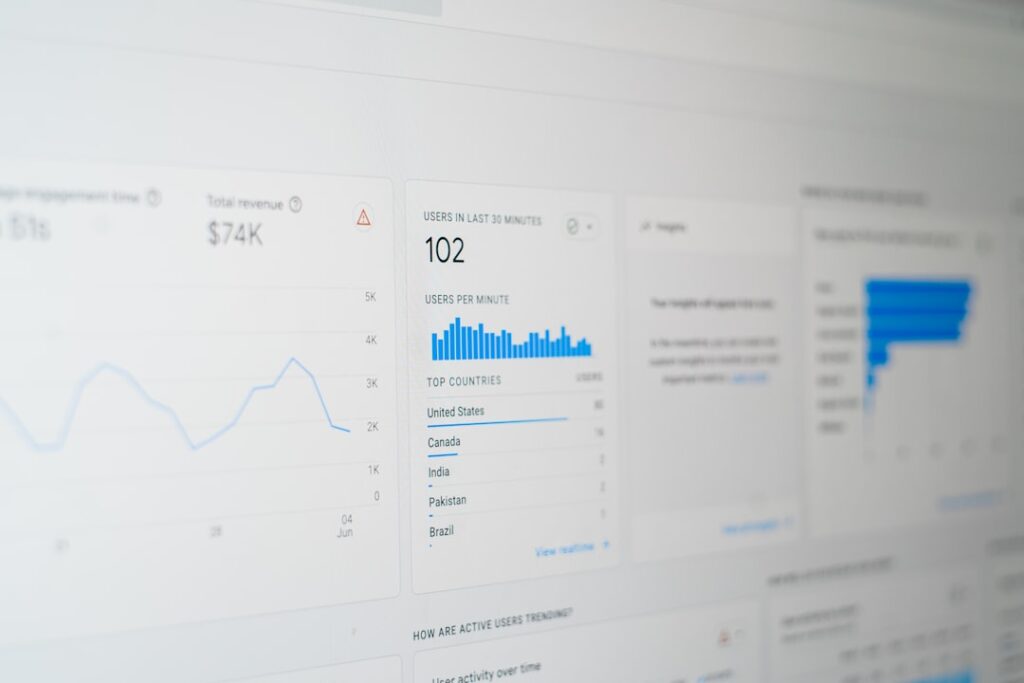
Real-Time Dashboard
– Visualise rankings, clicks, impressions.
– Export reports or get alerts.
Compare that to piecing together five plugins. Fewer headaches. More action.
How Maggie’s AutoBlog Works
- You define your niche keywords.
- The AI studies top-ranking pages.
- It generates microblogs of 150–200 words.
- Each post has meta, alt text, internal links.
- You review the best ones.
- Hit publish with a click.
It’s like having a junior writer and an SEO specialist on speed-dial.
Getting Started in 5 Simple Steps
- Install the CMO.so WordPress plugin.
- Activate your account and link your site.
- Choose niches and target locations (perfect for GEO campaigns).
- Set performance thresholds—say, 5 clicks in 30 days.
- Sit back. Let AI fill your blog, while you focus on sales.
No code. No spreadsheets. No guesswork.
Advanced SEO Automation Tools in CMO.so
CMO.so bundles features you’d normally buy separately:
-
Content Monitoring
Track keyword rankings automatically. Get alerts for sudden drops. -
Schema Injection
Add rich snippets—star ratings, FAQs, product details—without touching code. -
Auto-Sitemaps
XML and RSS sitemaps refresh in real time. Google indexes every new post fast. -
Redirect Engine
Rename slugs? URLs update via 301 redirects. Zero 404s. -
Broken Link Scanner
Daily checks for dead links. Automated fixes or reports. -
Internal Linking Assistant
Suggestions pop up as you write. One click and your content web grows.
These SEO Automation Tools work together. So you get a unified experience. Less plugin drama. More growth.
Real Results from SMEs in Europe
Consider Luna Cakes, a London bakery. They struggled to rank for “birthday cupcakes.” After one quarter on CMO.so:
- 250 microblogs generated.
- 45 posts reached page one.
- +180% organic traffic.
Or GreenTrail Tours in Berlin:
- Automated GEO-targeted SEO.
- Blog traffic up 3x in 2 months.
- Conversion rate jumped from 1.2% to 2.8%.
Proof that automation can deliver real ROI—without a big team.
Tips for Maximising Your SEO Automation
- Keep an eye on brand voice. AI drafts are a start, not the finish.
- Tweak underperforming posts manually.
- Rotate new niches quarterly.
- Use human-written cornerstone articles alongside microblogs.
- Leverage social-share automation for extra reach.
A blend of SEO Automation Tools and human savvy is unbeatable.
Frequently Asked Questions
Can I fully automate my WordPress SEO?
Mostly, yes. You’ll still want to guide strategy and quality-check content. Think of automation as your virtual assistant.
How long to see results?
Initial ranking boosts in 2–3 months. Major gains by month 6. Performance filtering speeds up growth.
What does it cost?
Flexible tiers for SMEs. Budget-friendly pricing. You decide how many microblogs per month.
Is it suitable for any niche?
Absolutely. E-commerce, blogs, service sites—if you want volume + quality, CMO.so works.
Conclusion
Manual SEO is history. With CMO.so’s Maggie’s AutoBlog, you get a truly no-code suite of SEO Automation Tools that:
- Generate thousands of microblogs.
- Handle technical SEO under the hood.
- Surface top-performing posts.
All while you focus on strategy. Ready to leave tedious tasks behind?
Share
Related posts